Did you know that you can manage your own favourites in IDEA?
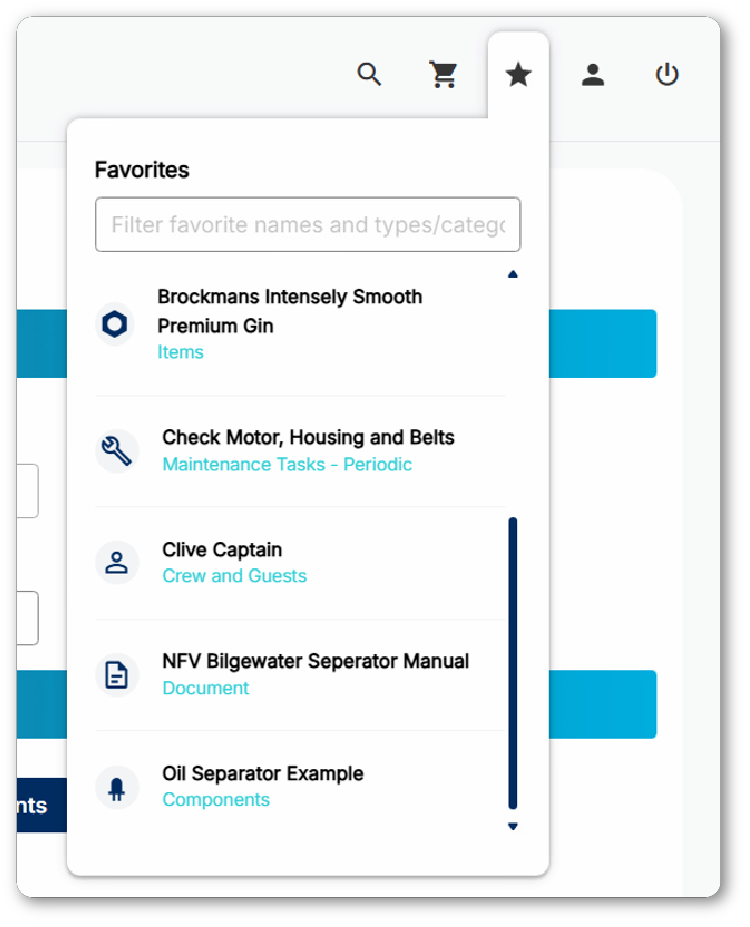
Favourites allow you to keep often used elements on a “speed dial”, accessible on every page in the upper right hand corner.
These elements can be added to your favourtites list:
Components
Items
Documents
Maintenance tasks
Safety documents
Purchase orders
Crew & guest accounts
Logs & rounds entry points
Accounts
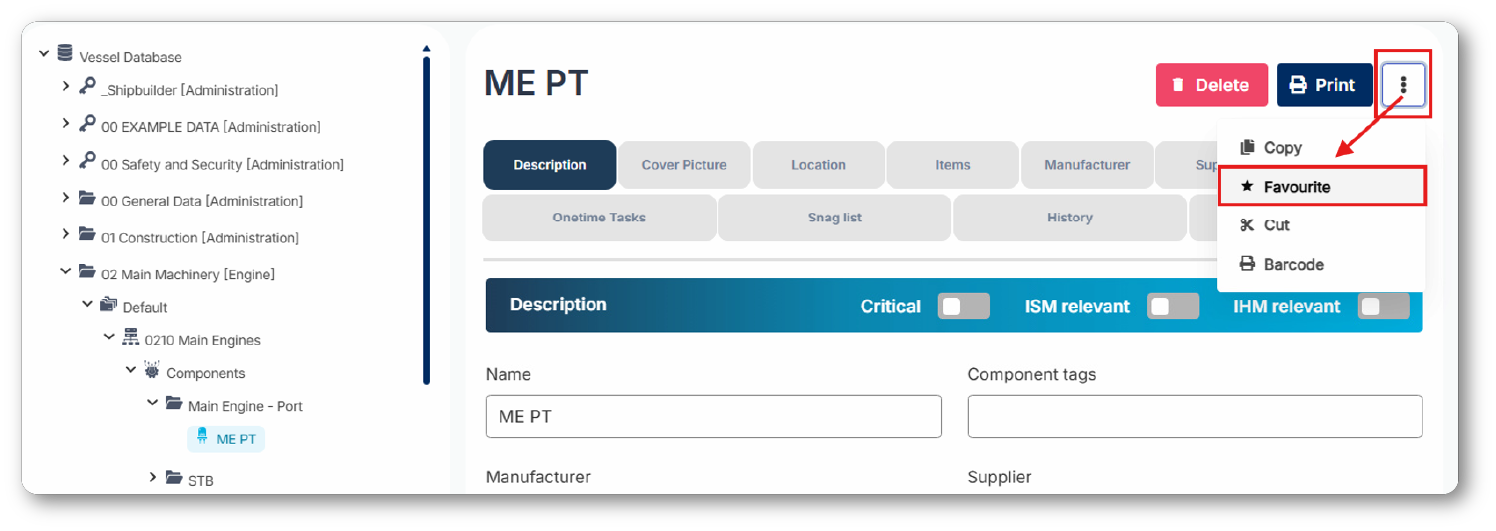
When you navigate to the detail view of one of these elements you will find the button to add them to your list.
Note that the option is sometimes stowed away in a sub menu (3-dots menu) for lesser used functions.
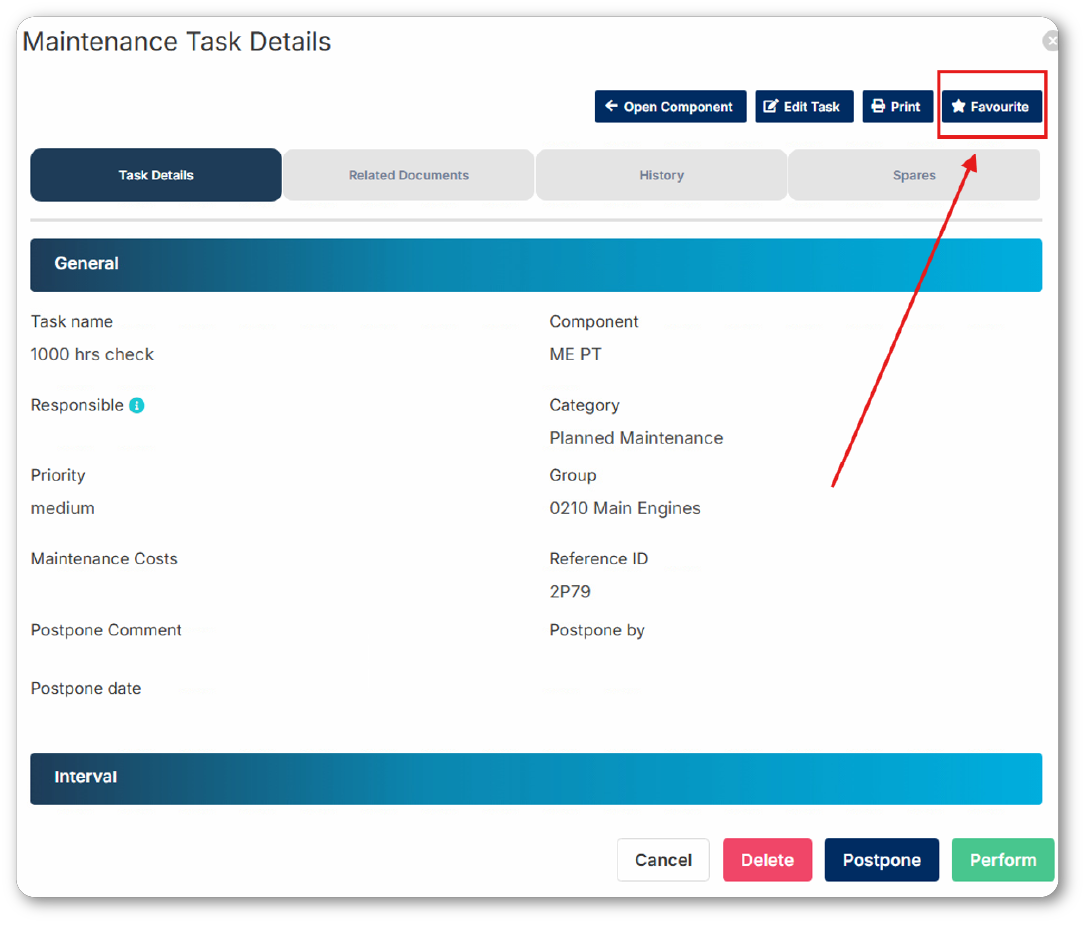
With other elements, you have the option to add them to your favourites list with a ‘favourites’ button in the top right corner. Image below provides an example of the this button when wanting to perform a task.
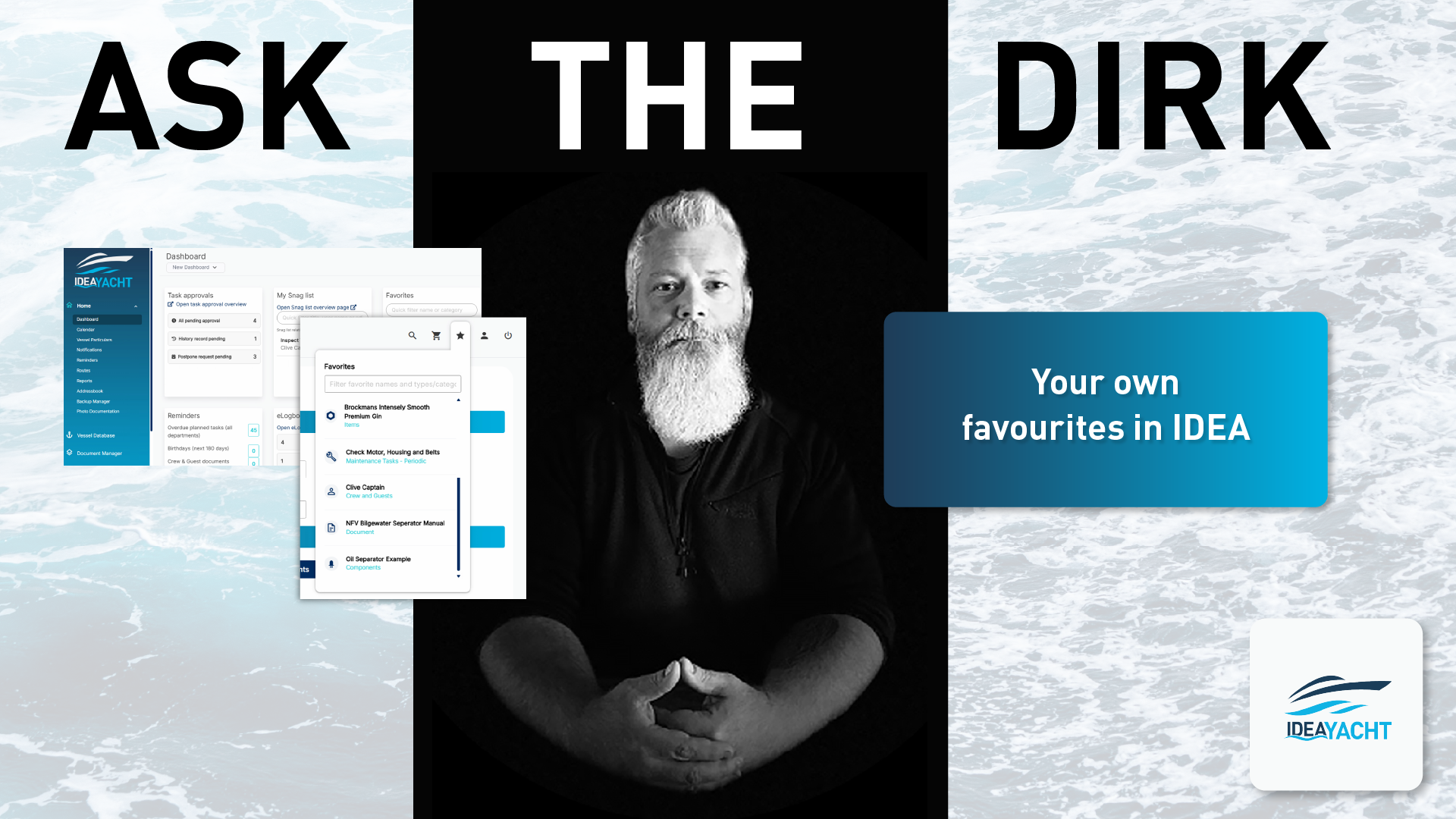
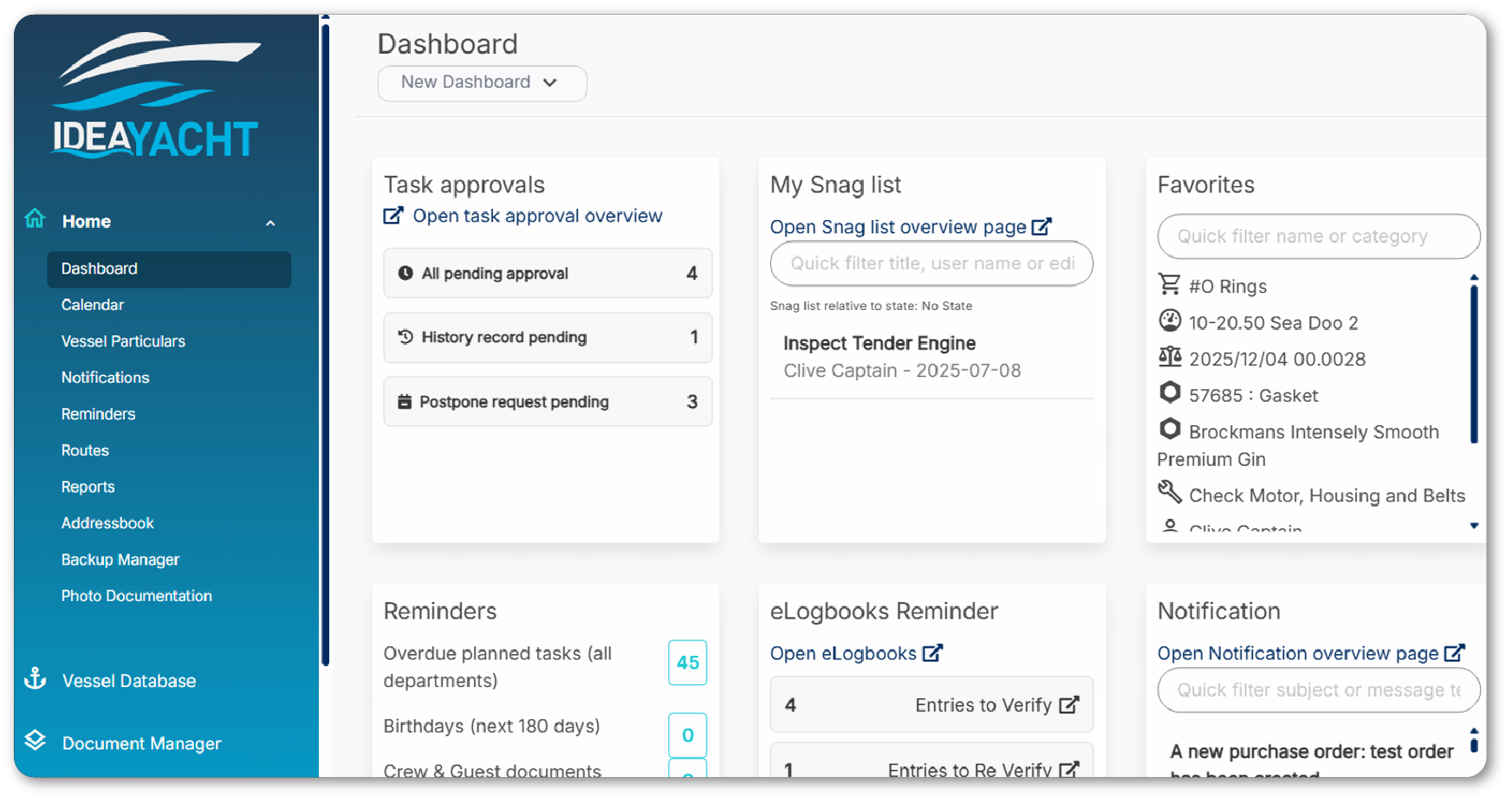
The same way you add an element to your list you also can also remove it, just click the button a second time. On the IDEA Dashboard you will also find a widget for your favourites, as shown in the image below.
Dirk has been working at IDEA since 2010, and is one of our veterans with 4,695 tickets solved in the last 2 years alone. Dirk is on hand to give expert support! This column answers your most common questions!