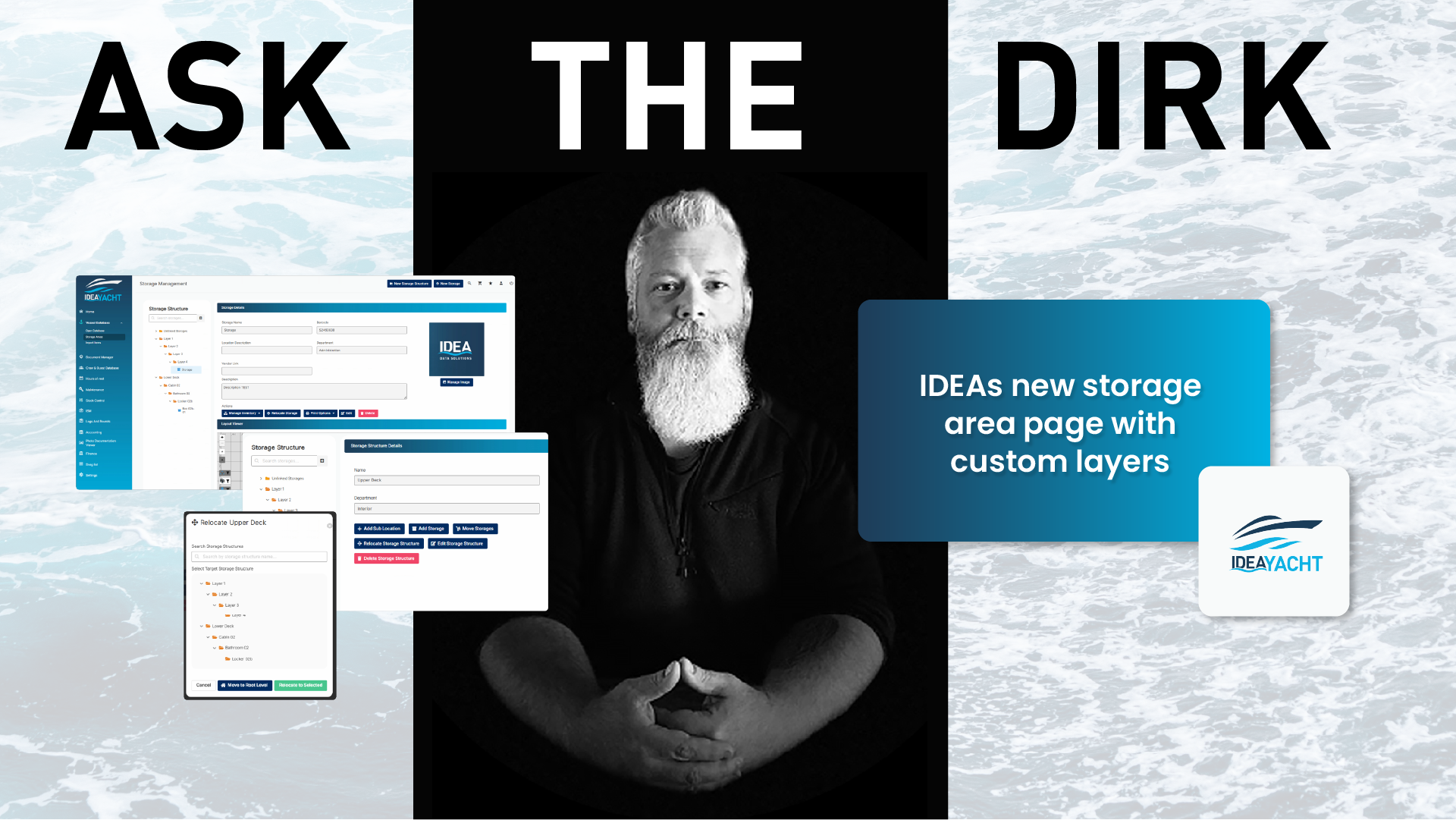
The old system did only allow a flat hierarchy of storages, you were only able to organize the strorages through their name.
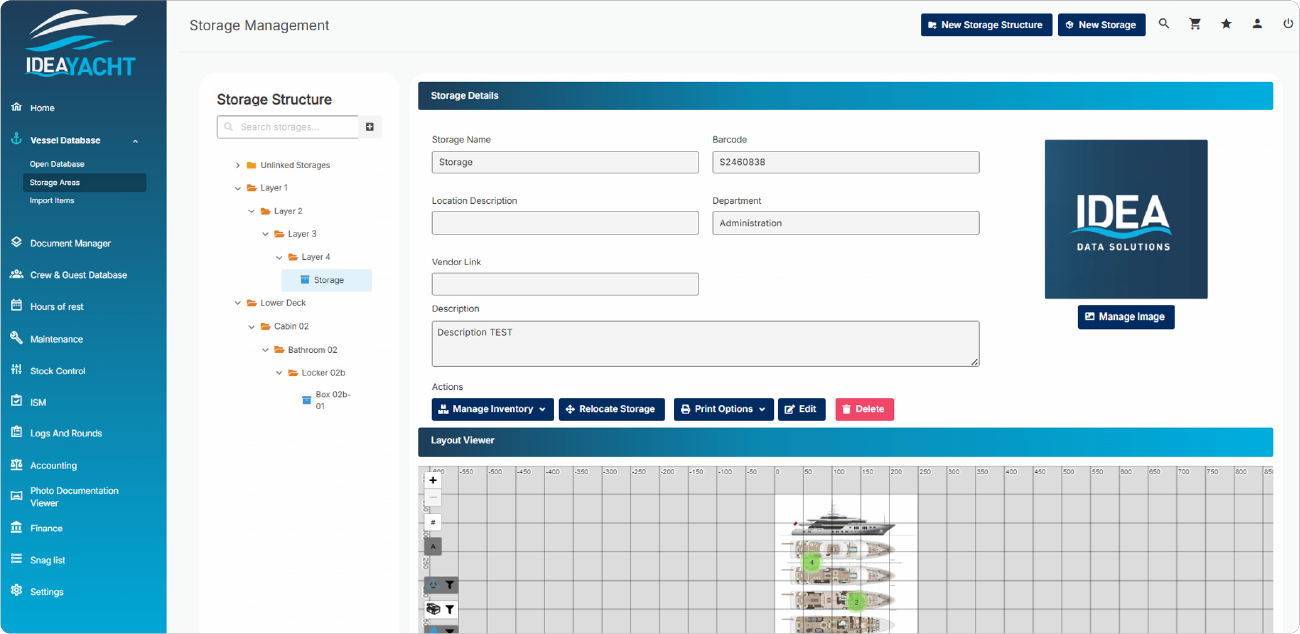
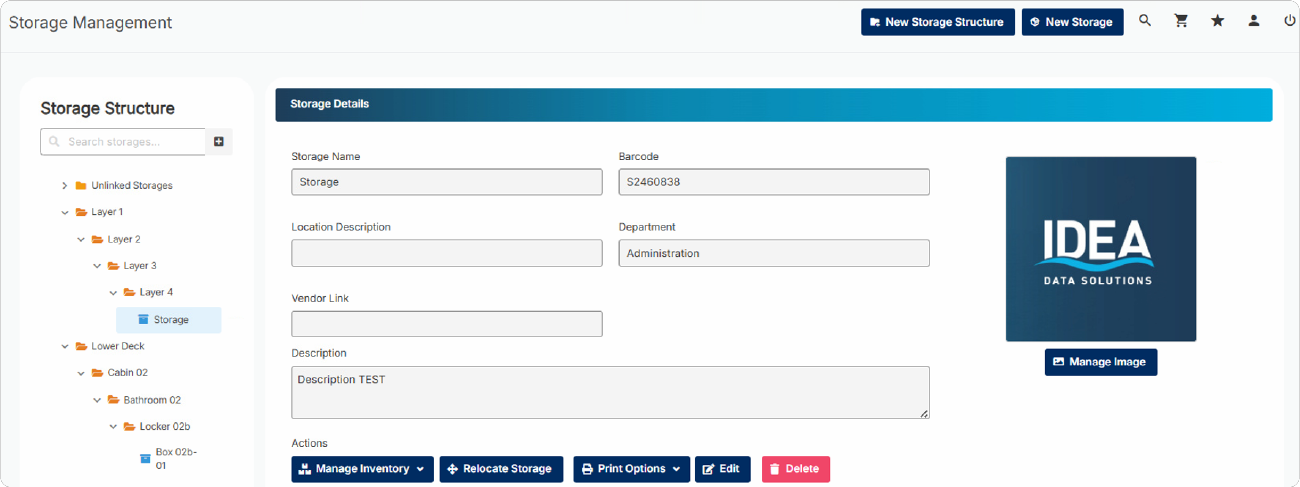
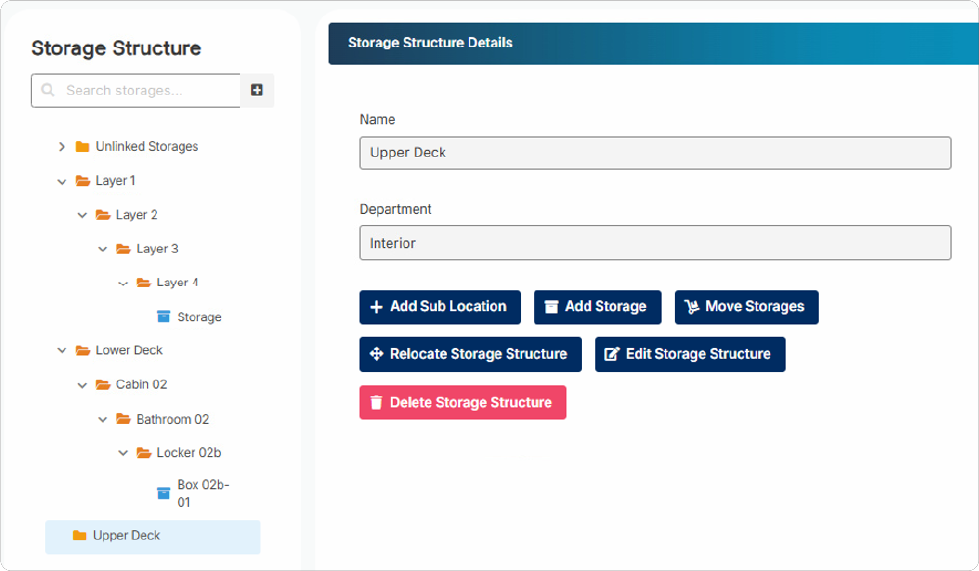
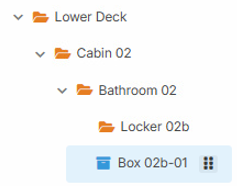
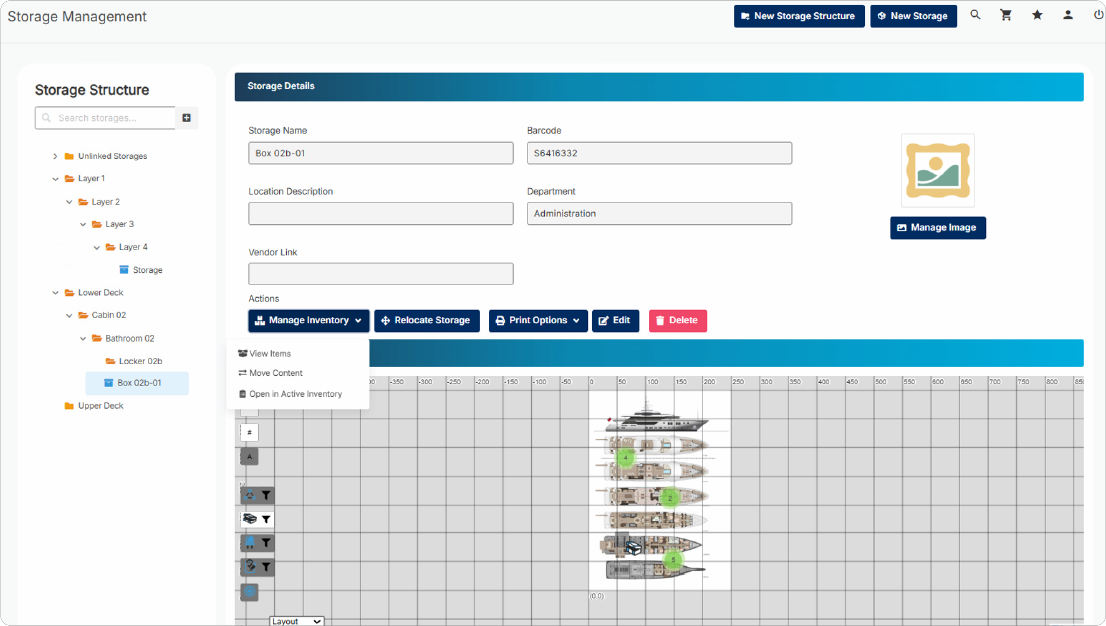
With the new system IDEA allows up to 4 custom layers and the storage itself. If you need all 4 or only utilize the first 2 for example is fully up to you.
For example you could organize your storage by their location starting with the deck, if its aft or forw, stbd or ps, room number, locker and then the box in this locker would be the storage.
IDEA instances that were updated to the new system will of course not have their existing storages automatically distributed into any structure.
Instead the old storages will located in a default folder called Unlinked Storages.
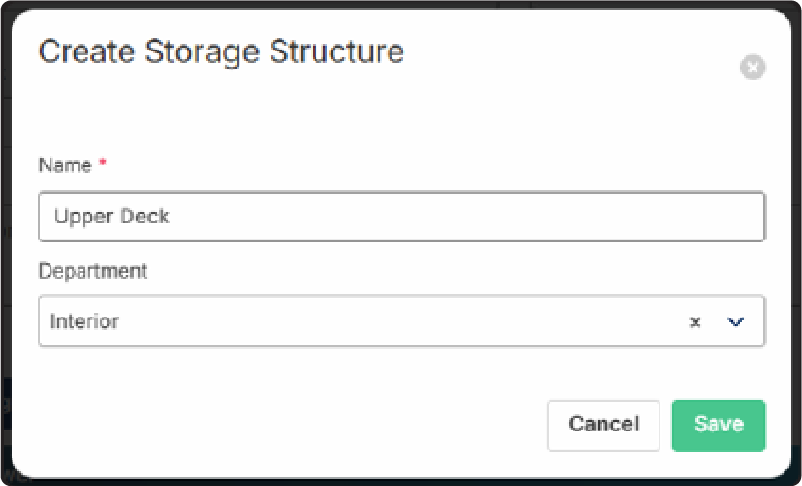
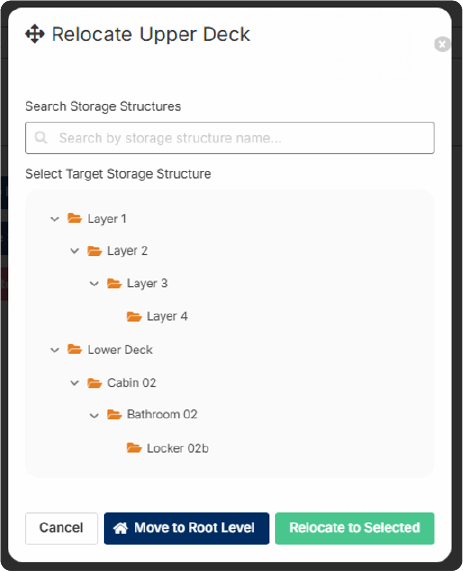
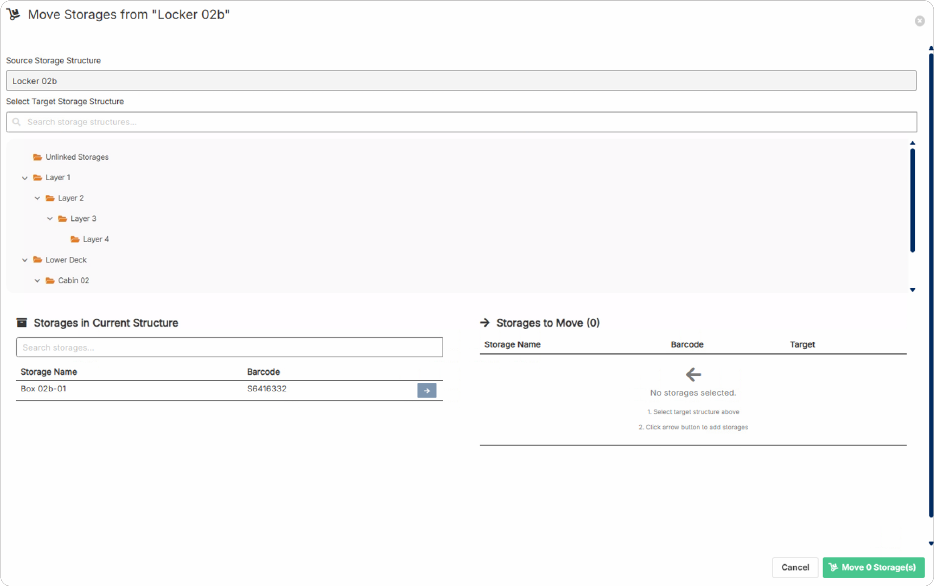
You can either leave your storages this way and use the system as before or you can start adding a structure that fits your demands and then deploy your storages accordingly.