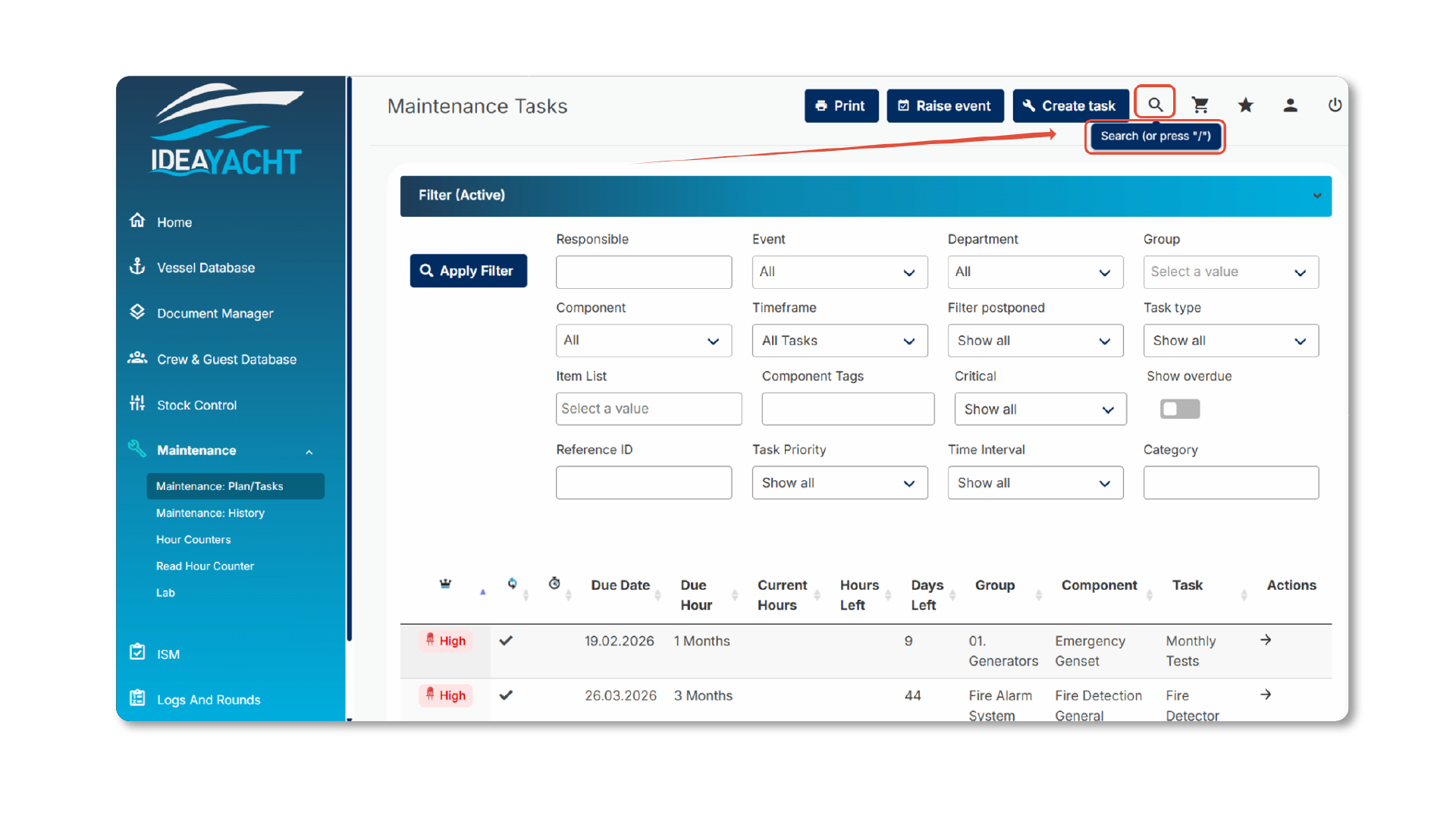
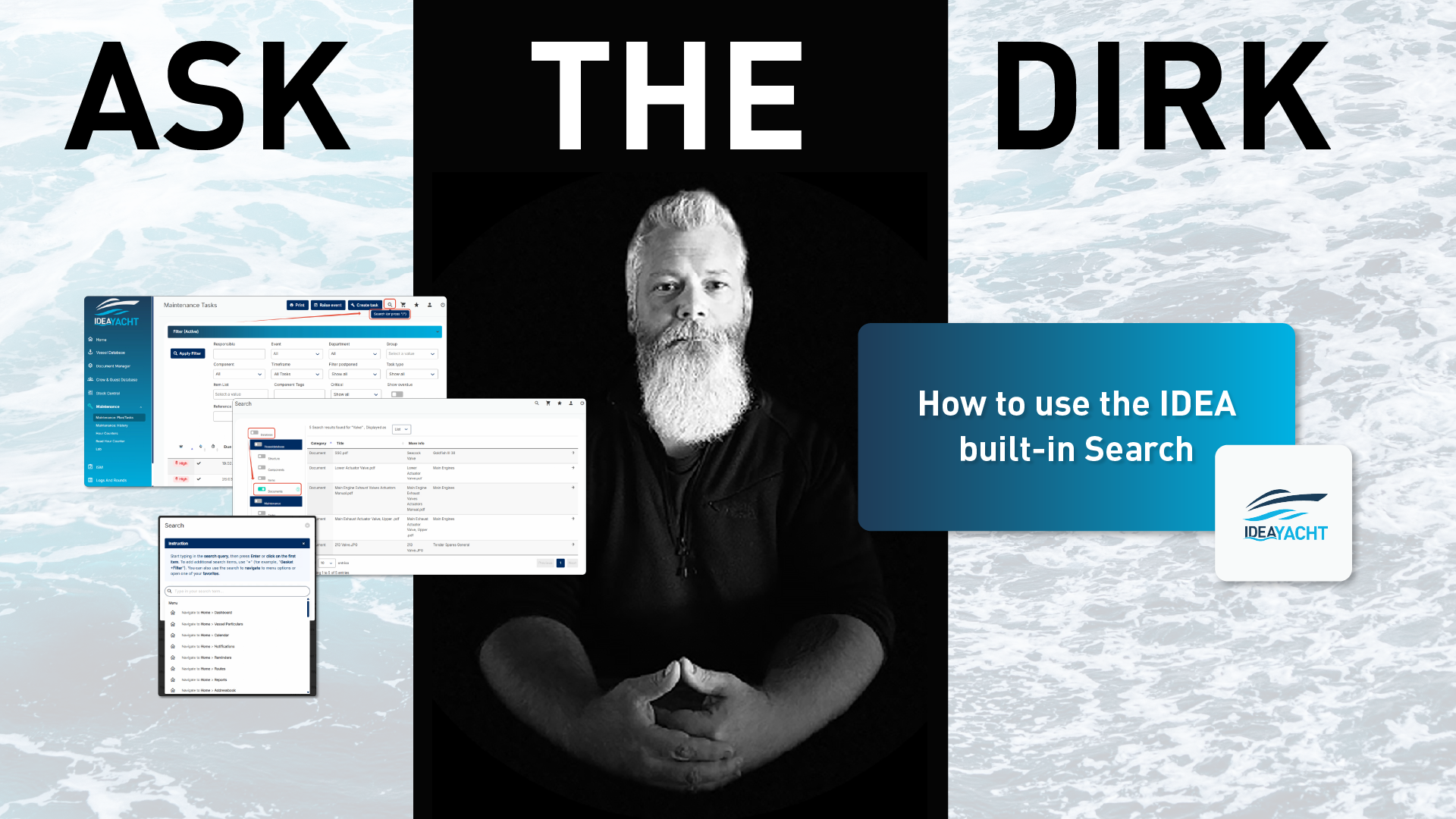
Did you know that IDEA YACHT has a built-in search function that works over all modules?
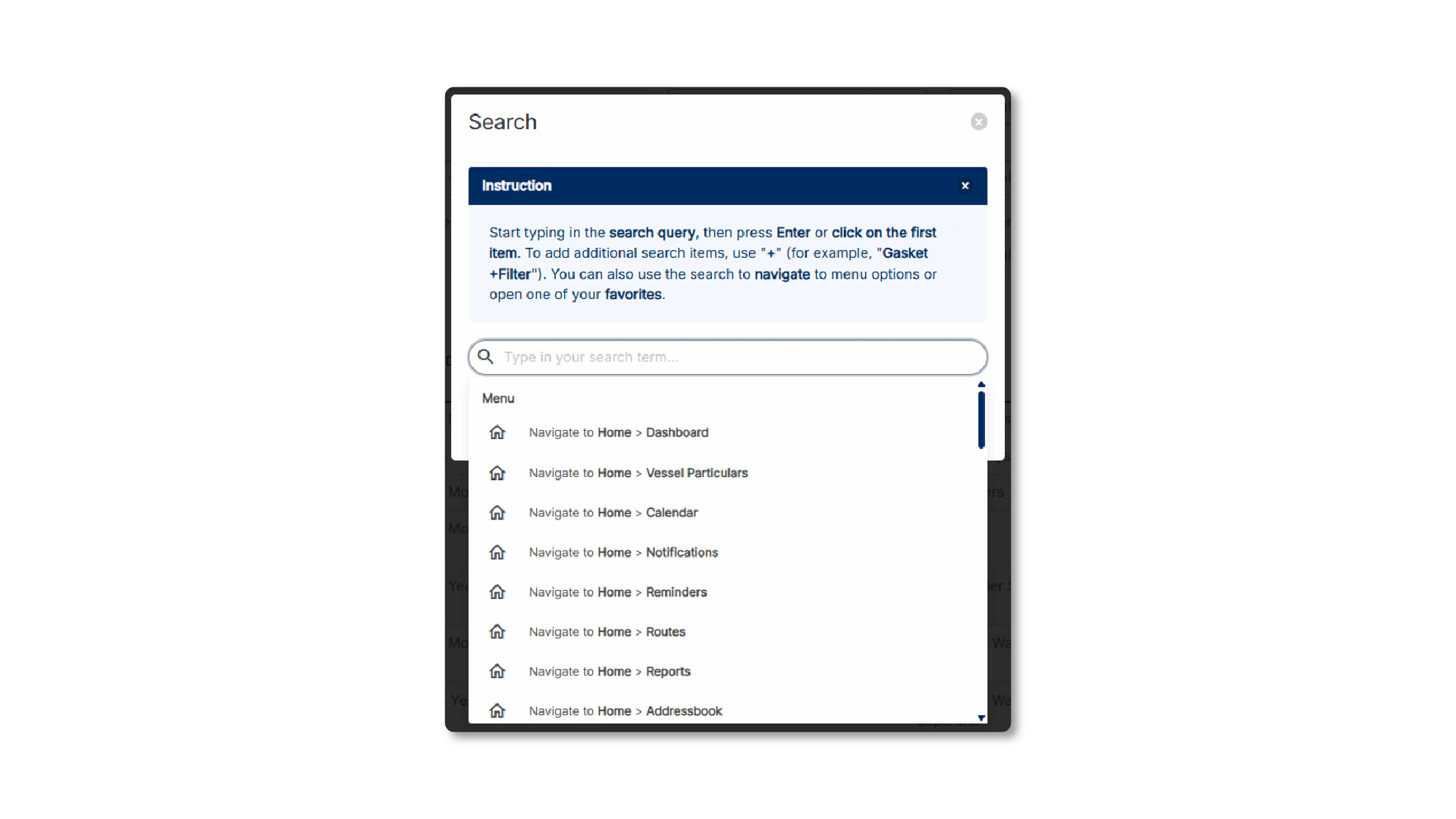
It will open a input console where you can type in the term you are looking for:
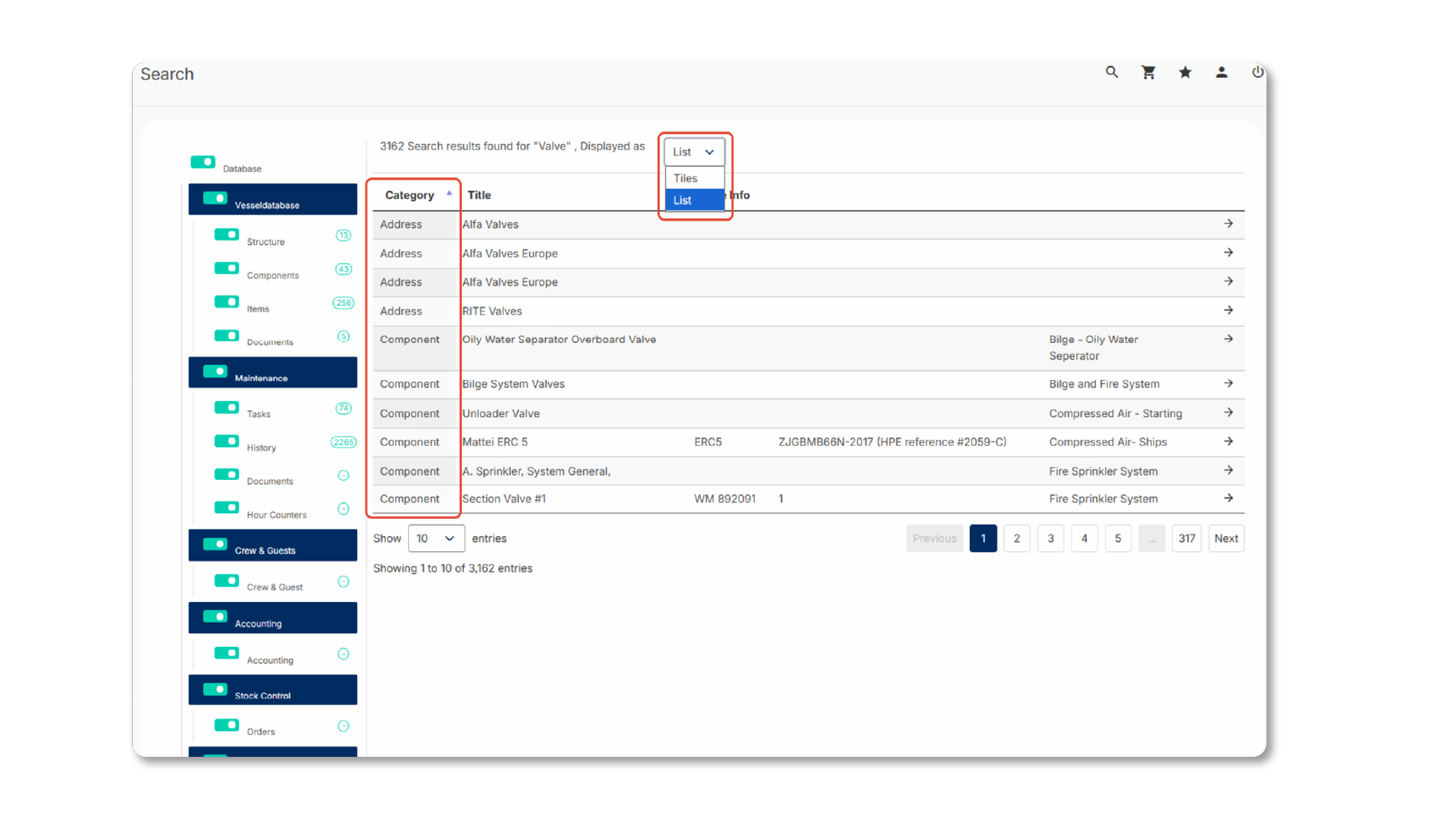
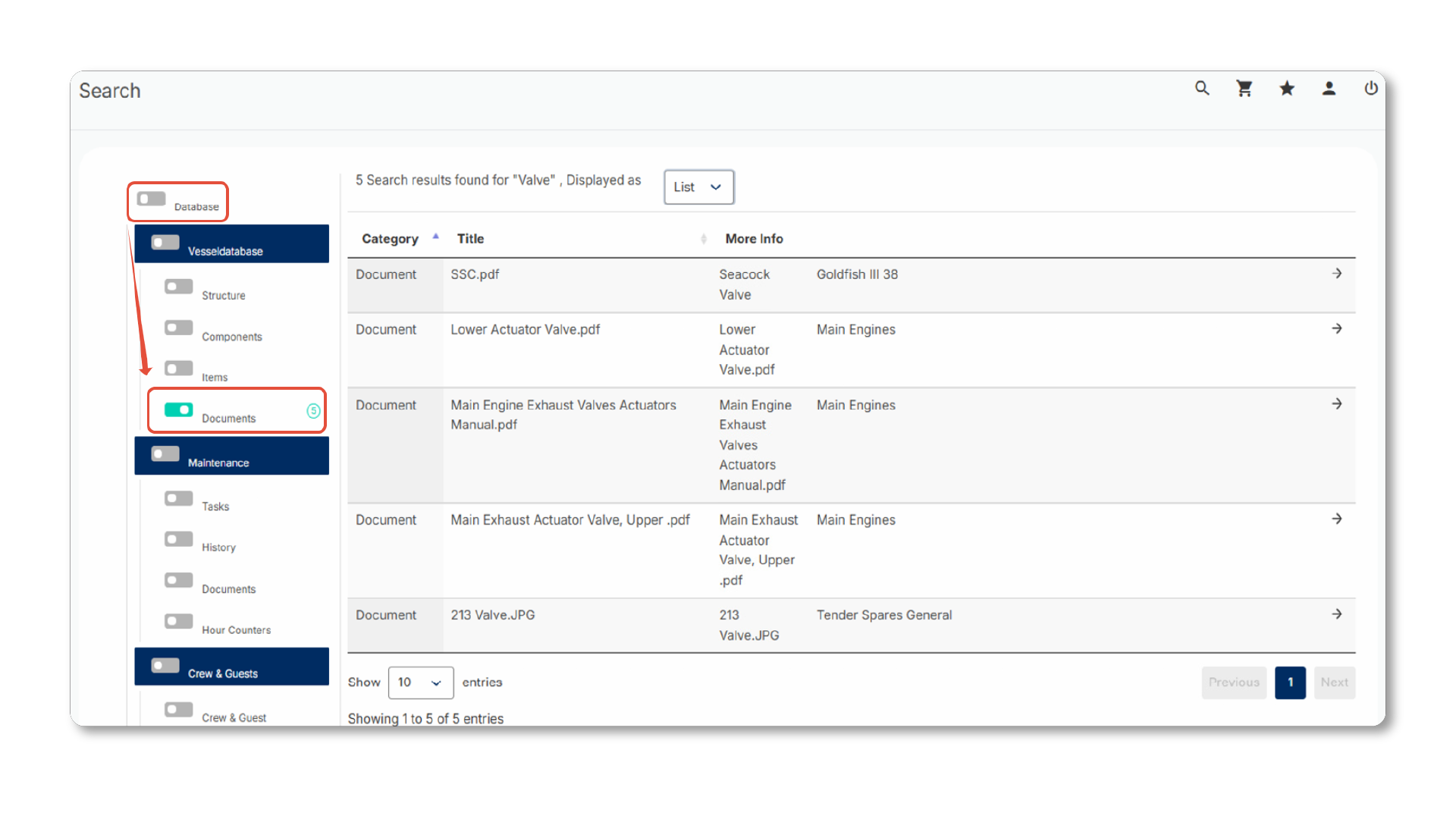
Whether you are searching for documents, components, items, or history entries, such as rounds, purchase orders, entry points, or notes in a daily log, the IDEA search will present all findings, categorised by the modules in which the results were found.
IDEA does not only search by name, it also looks up additional details. By typing in a barcode, or even just part of one as well as a manufacturer or supplier, you’ll be able to find all related entities.
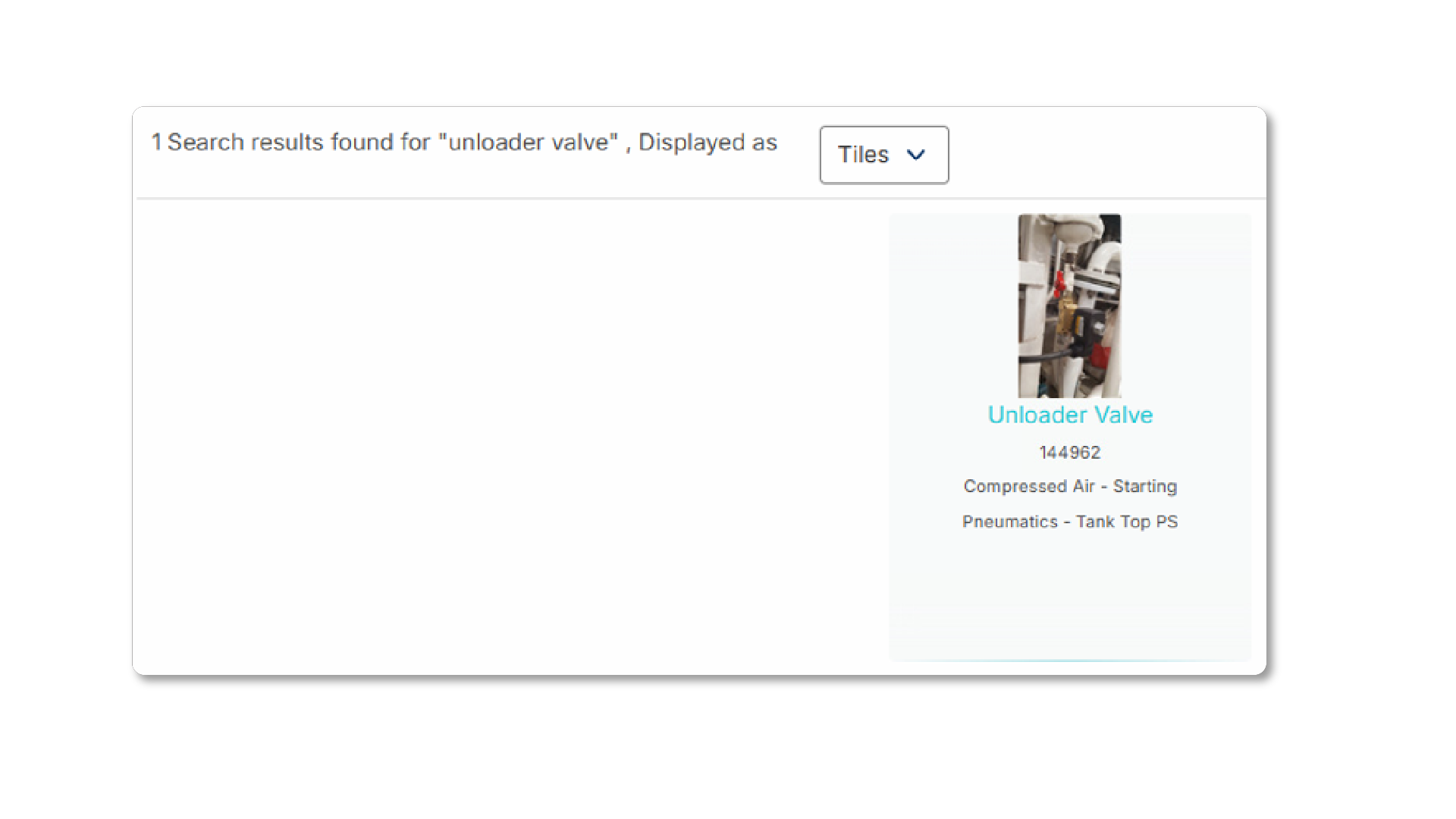
Results can be displayed as a list in a table view or as tiles. Tiles will show thumbnails when the entity has a cover image (such as items and components).
Sometimes, when your search term is too generic, like in the above example, there are too many findings and you want to limit your search by only searching for a specific module or type. For this simply uncheck the first node “database” which will auto-uncheck all categories then only check the module or type you are looking for.
Dirk has been working at IDEA since 2010, and is one of our veterans with 4,695 tickets solved in the last 2 years alone. Dirk is on hand to give expert support! This column answers your most common questions!