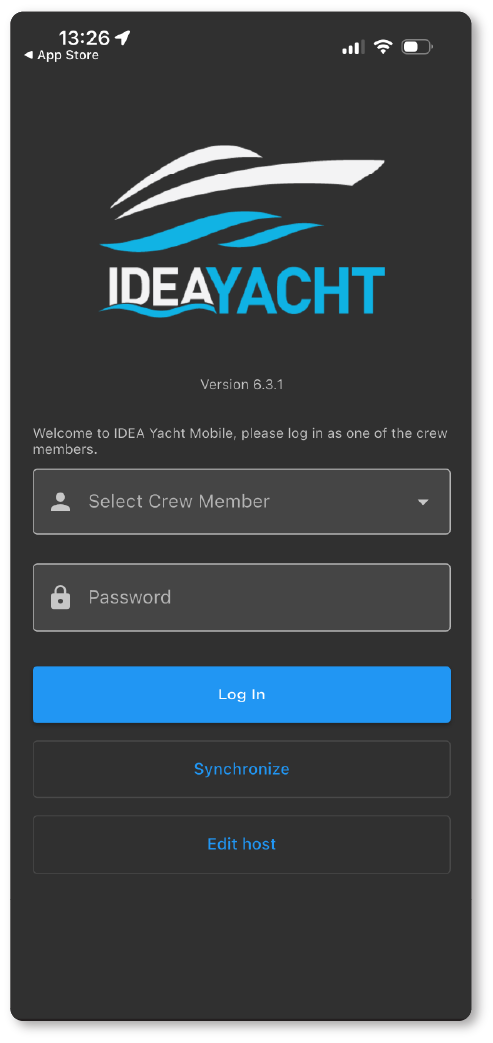
Using the IDEA mobile app gives you far more flexibility and freedom than relying solely on the web portal at your PC. With the app, you can move around the vessel while still accessing everything you need.
The app supports you with tasks such as:
- Running your daily rounds
- Reporting maintenance jobs
- Checking procedures
- Searching for stock items and their locations
…to name just a few of the jobs you can easily manage using your phone or tablet.
How to set up your mobile device
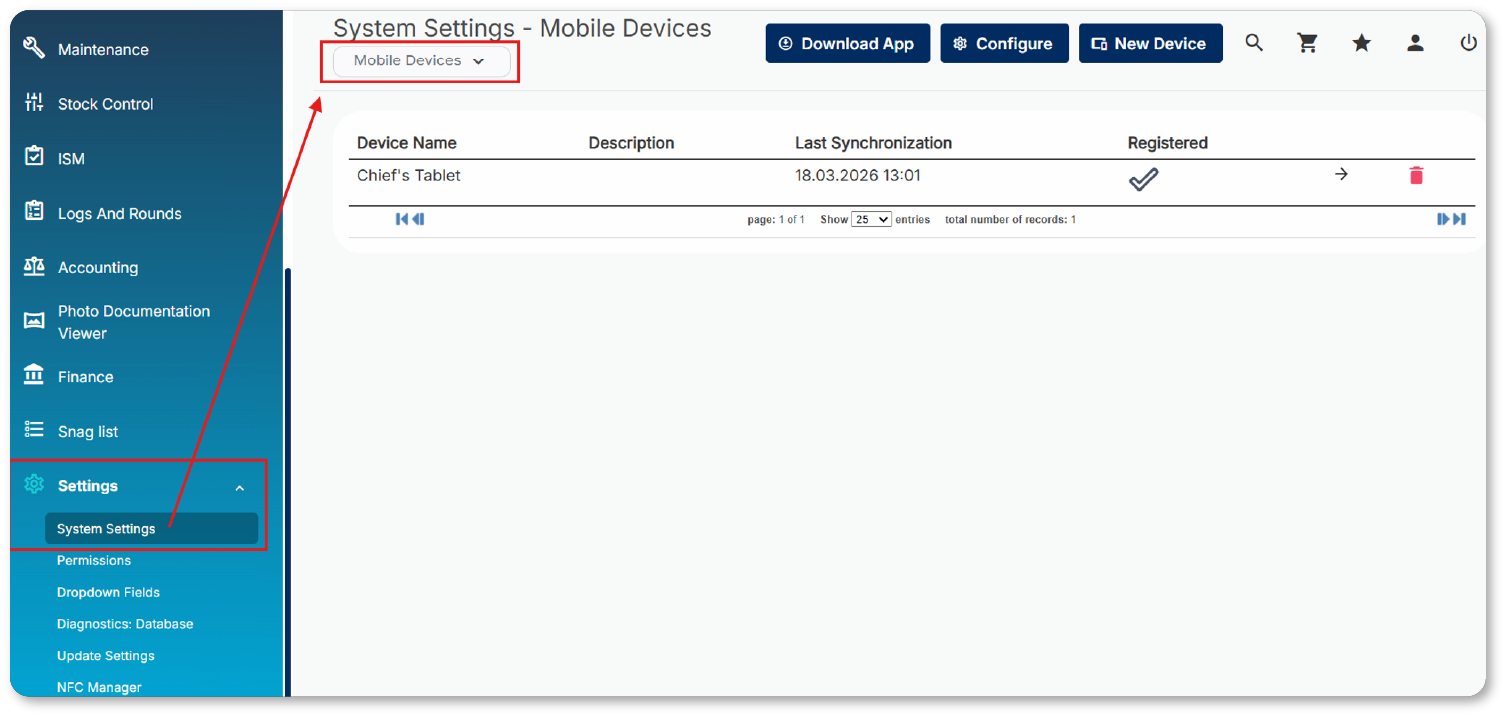
To register a new mobile device, navigate to:
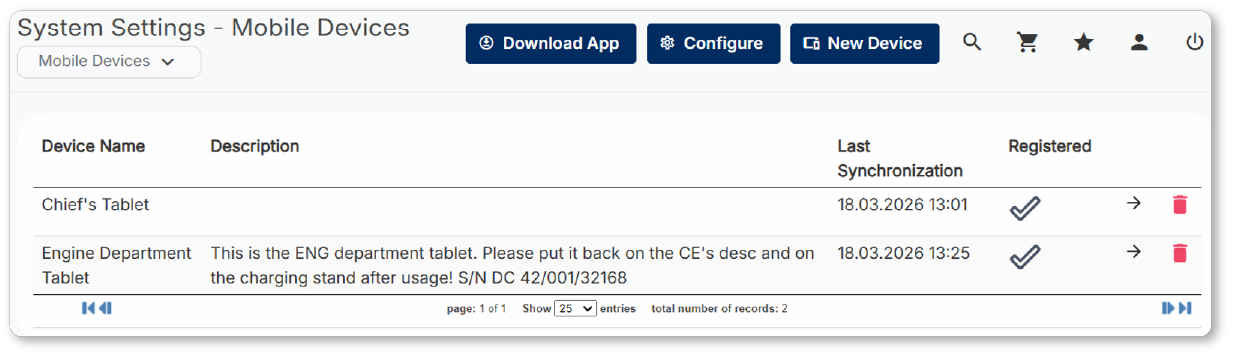
Settings → System Settings → Mobile Devices
Here, you’ll find three options:
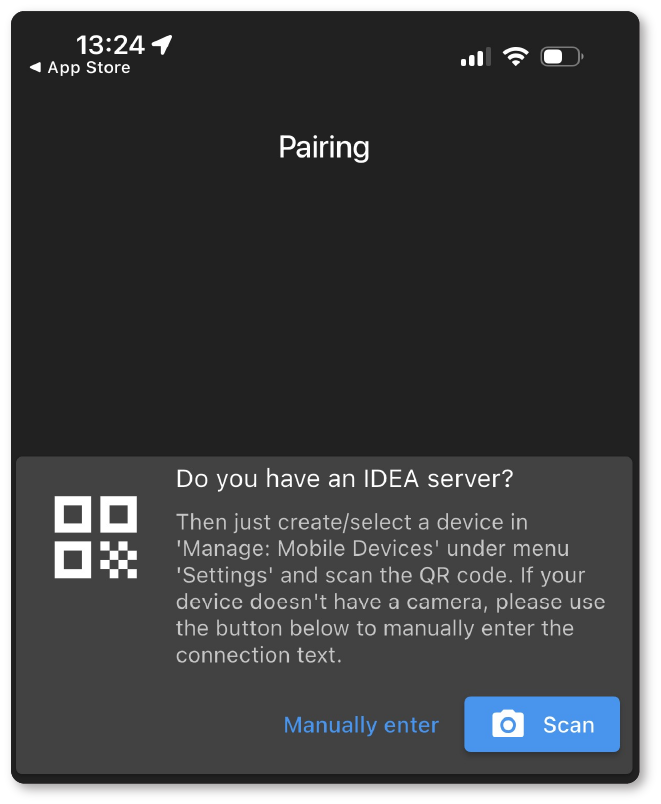
- Download the app — takes you directly to the correct app store page for your device.
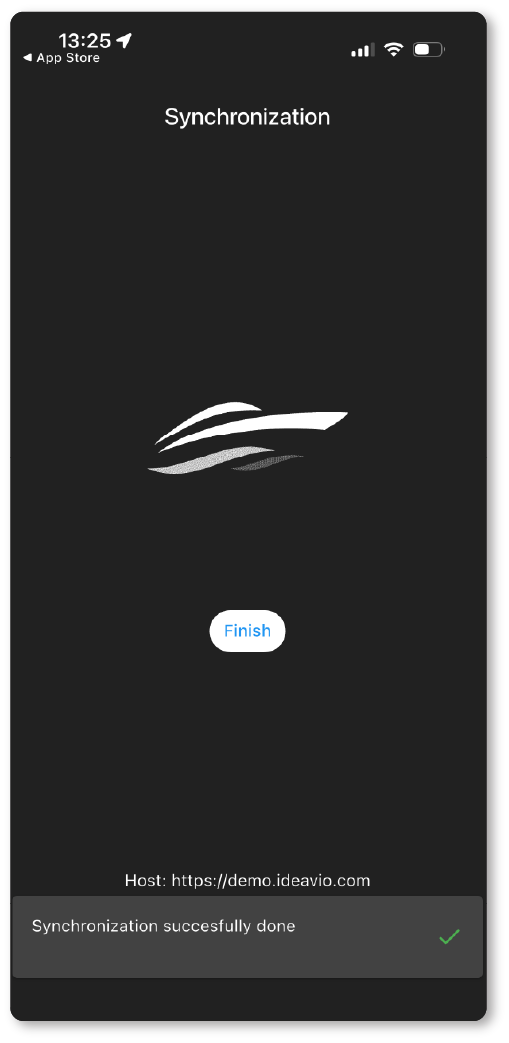
- Configure the host address — ensures your mobile device knows the correct network address/URL for your IDEA server.
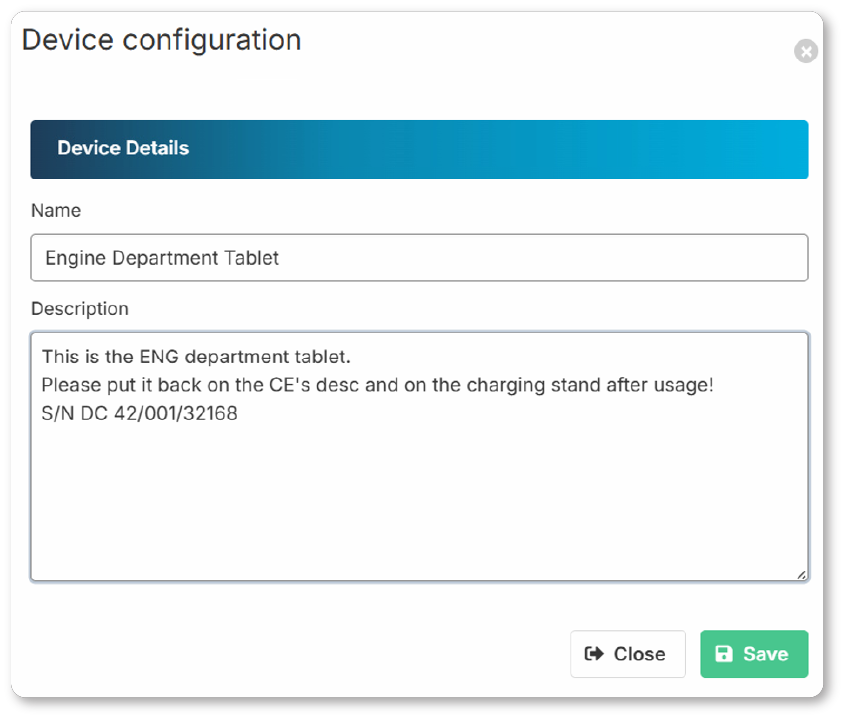
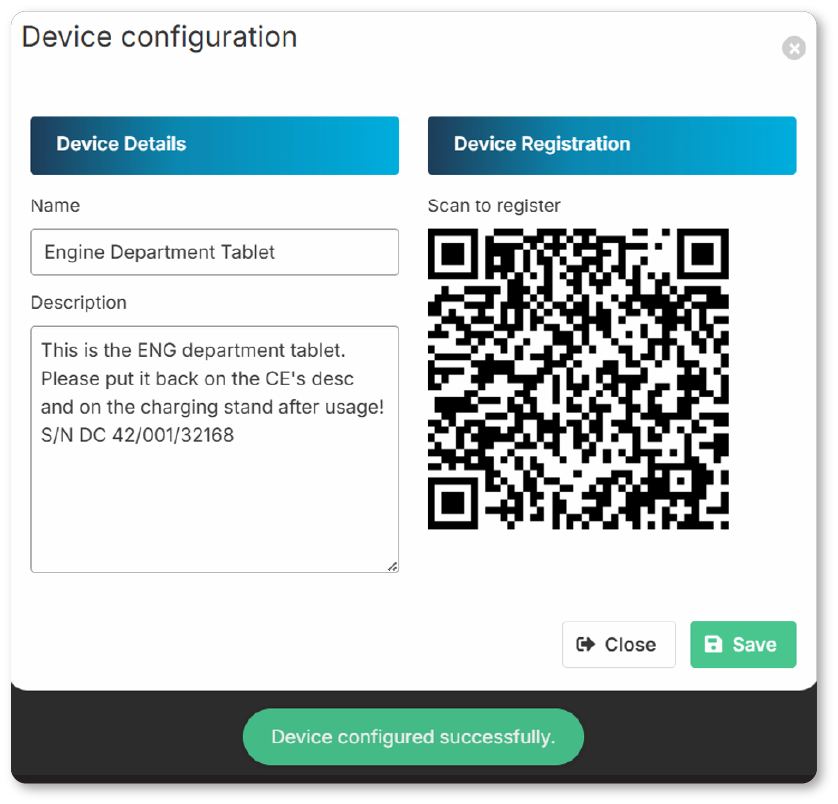
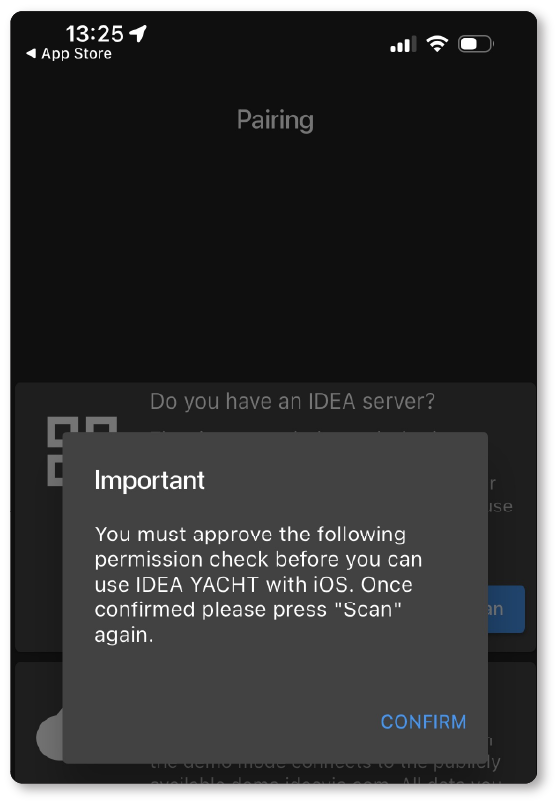
- Add a new device — allows you to register and configure additional mobile devices as needed.