
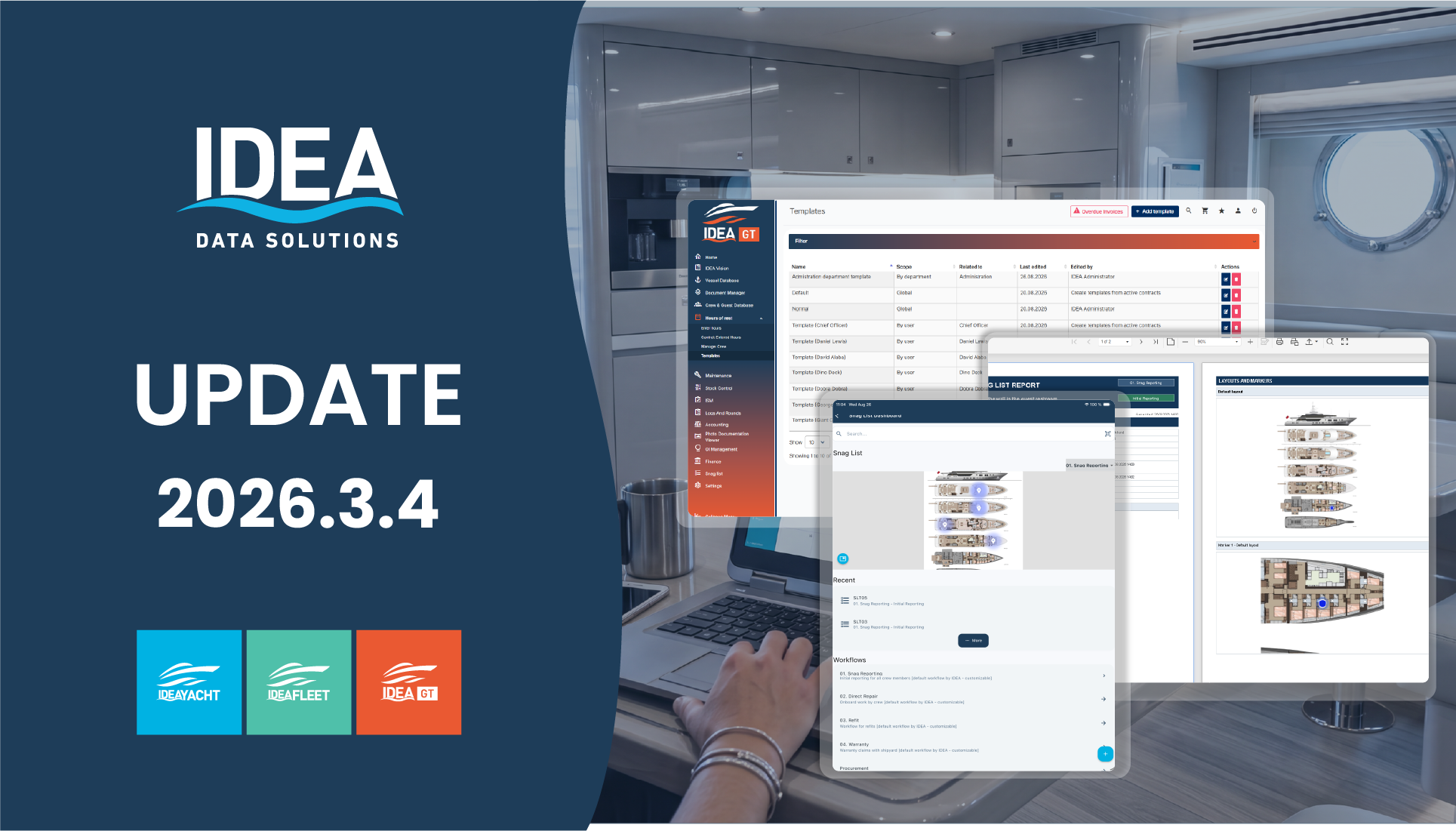
Guided purchasing, sharper Hours of Rest, and a mobile app built for tablets
Release 2026.3.4 combines guided purchasing, stronger mobile and tablet workflows, more reliable Hours of Rest, richer Snag List reporting, and a set of fixes that improve reporting accuracy, performance, and day-to-day reliability.
Reusable autofill templates, bulk entered-hours actions, and consistent widget and external-entry workflows.
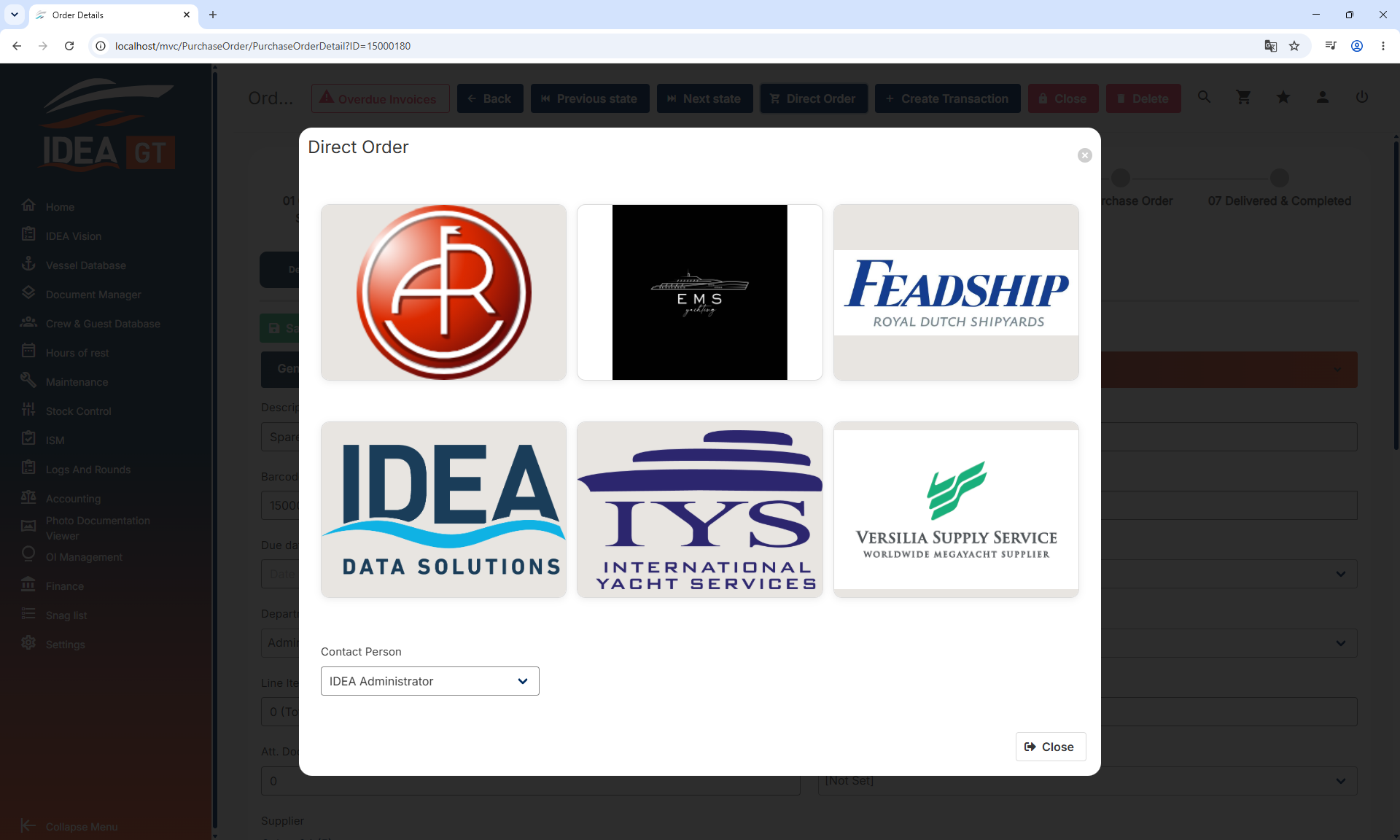
Create Purchase Orders and Work Orders through a structured three-step wizard, with Direct Order support.
Responsive tablet layouts, persistent filters, notification controls, and steadier synchronisation.
Configurable Snag List reports, clearer IDEA FLEET Task Tag Report statuses, and faster Hour Counter loading.
Purchase Orders and Work Orders, created step by step
A new three-step wizard guides you through order type and basic information, Vessel Database items, shopping-cart items, Other or Work items, then fees, addresses and notes. Drafts persist while you work, the cart is consumed safely, and server-side validation catches gaps before the order is raised.
- Multi-provider Direct Order selection in a single flow
- Clear provider status on the Purchase Order detail page
Fill a week the way you actually work it
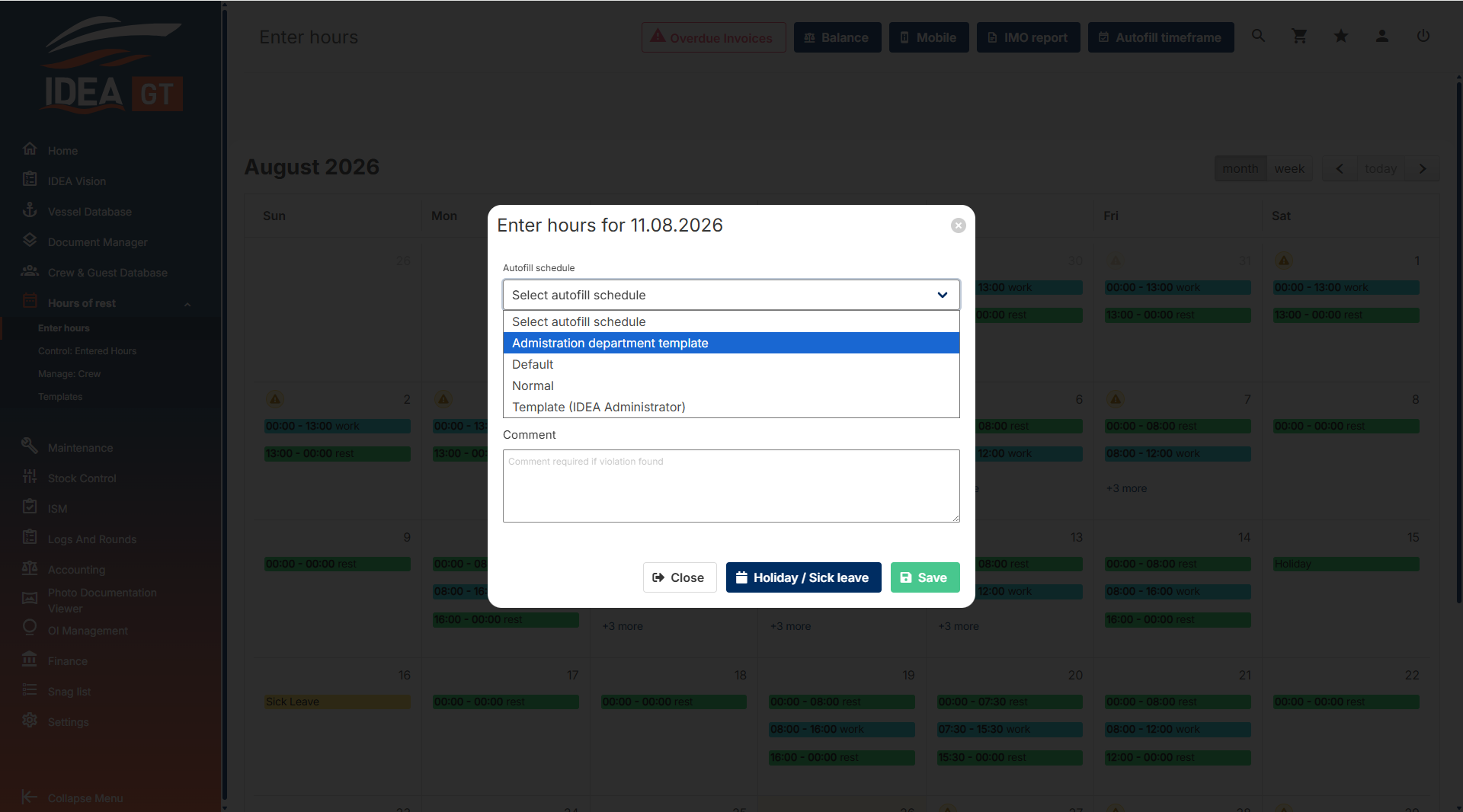
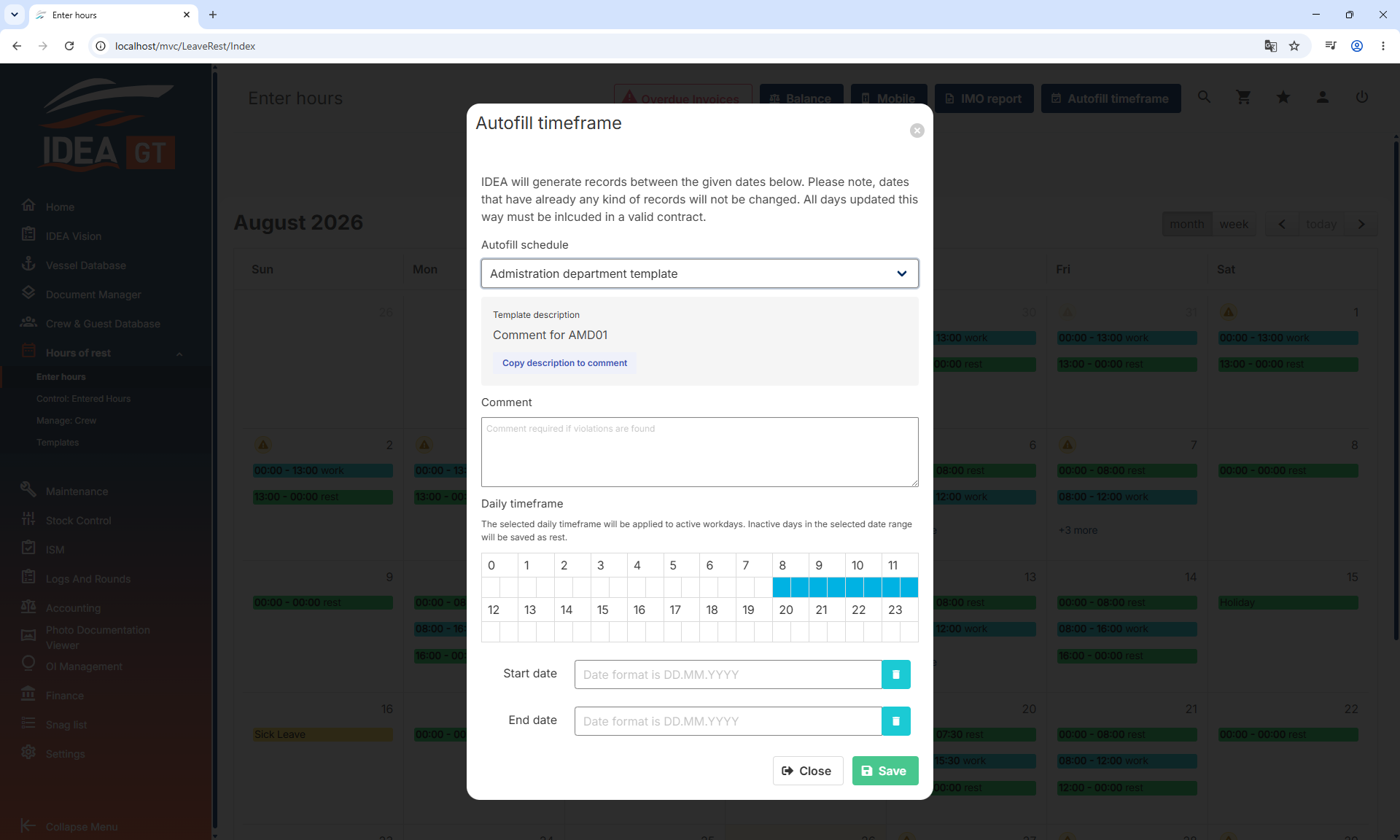
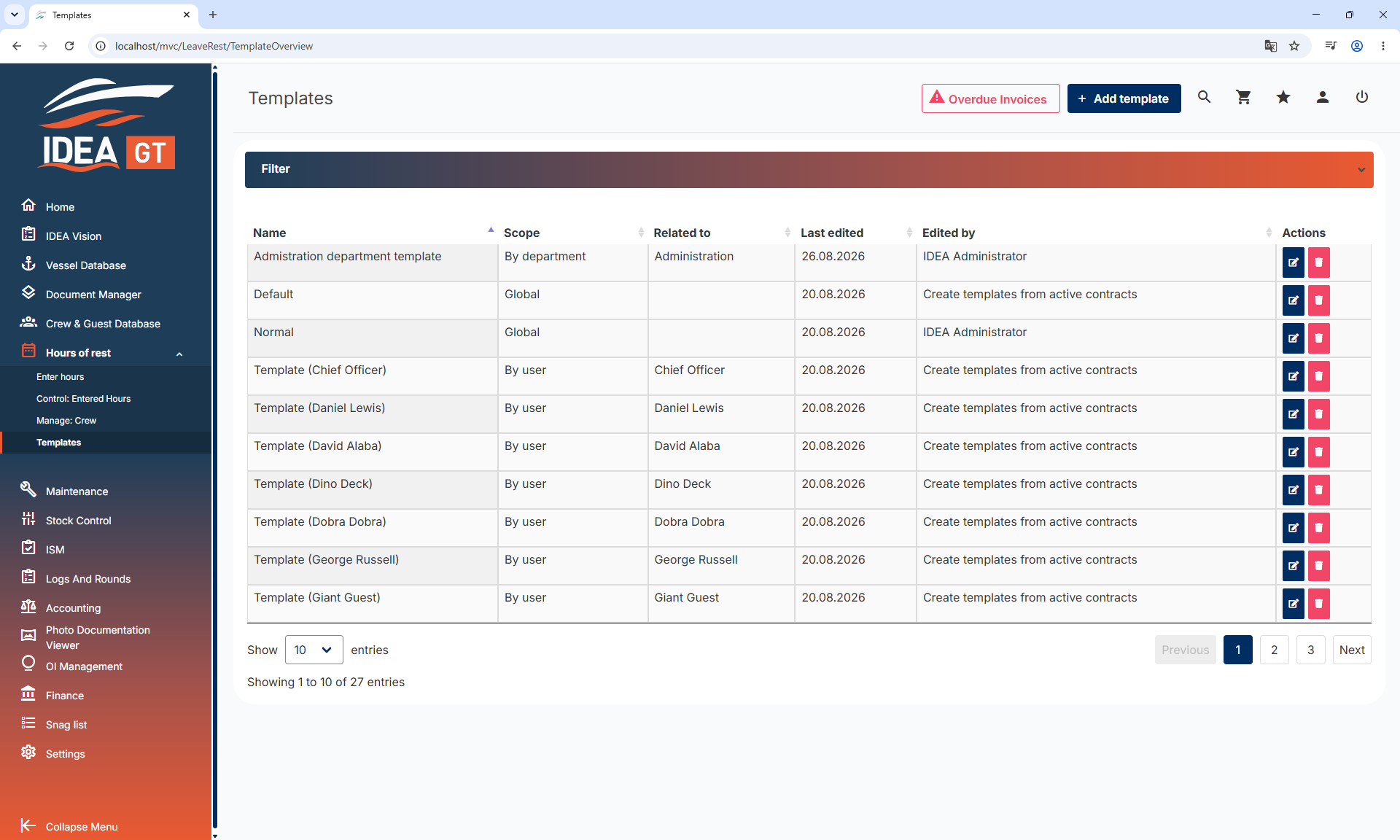
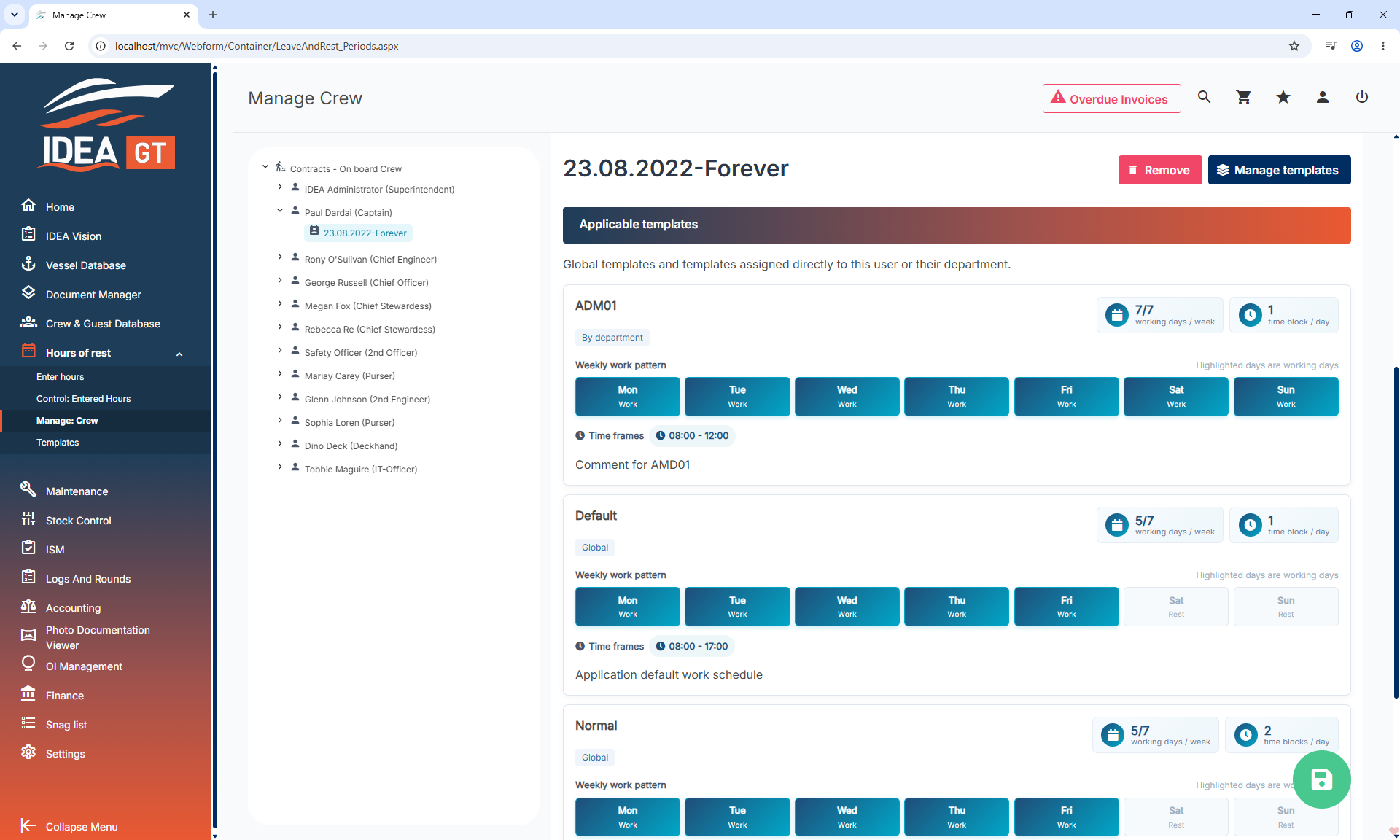
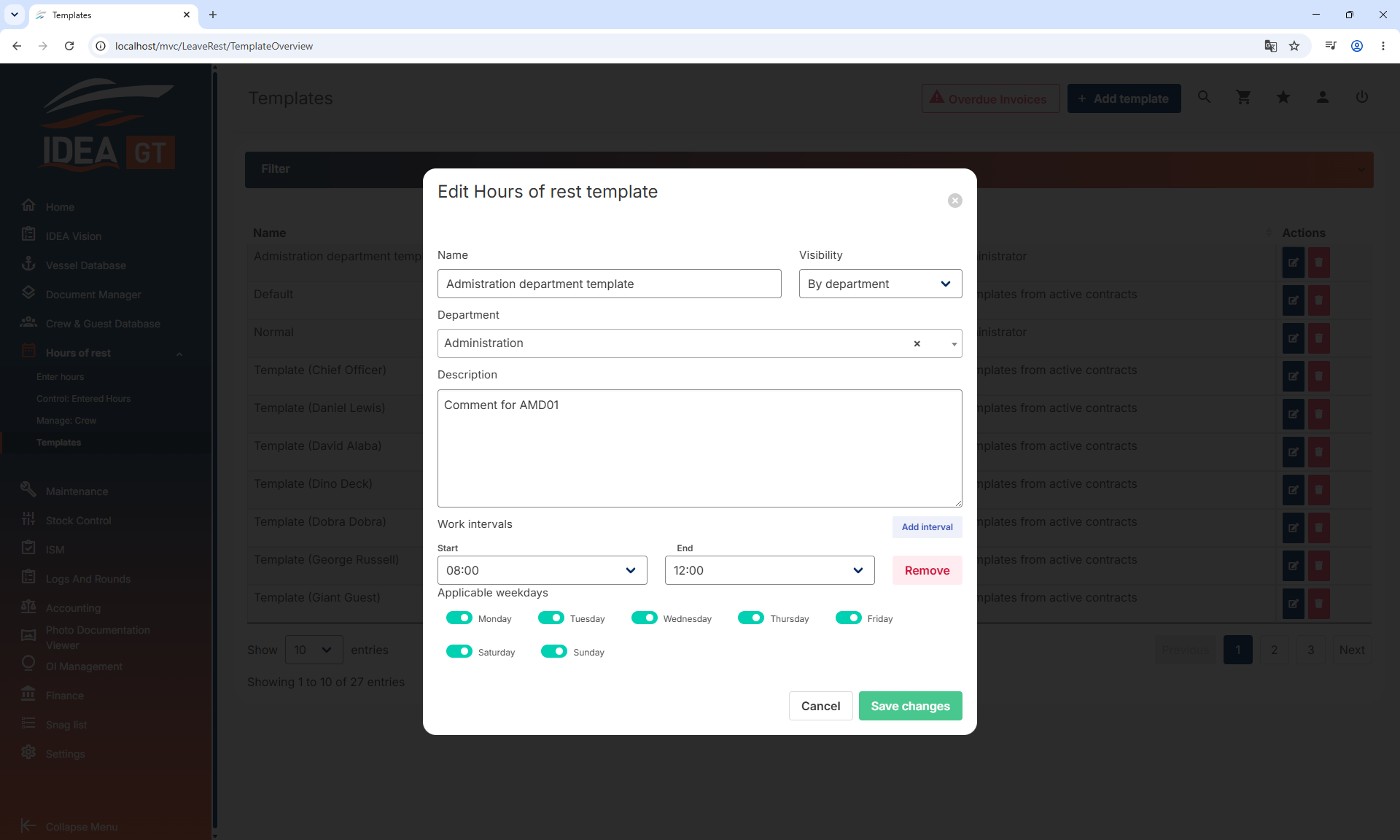
Reusable autofill templates can be configured for different operating modes and scoped globally, by department, or to an individual crew member. Daily and range autofill both let you pick a template and keep its description and timeframes intact.
- Update multiple days at once, apply reusable schedules, and copy previous days or weeks forward
- Filter Control: Entered Hours by relevant crew status
- The HOR widget and token-based external entry use the same template selection, showing descriptions before copying
- Adding a sick day or holiday no longer causes entered hours, control tables or violation information to disappear
A mobile app that finally uses the whole tablet
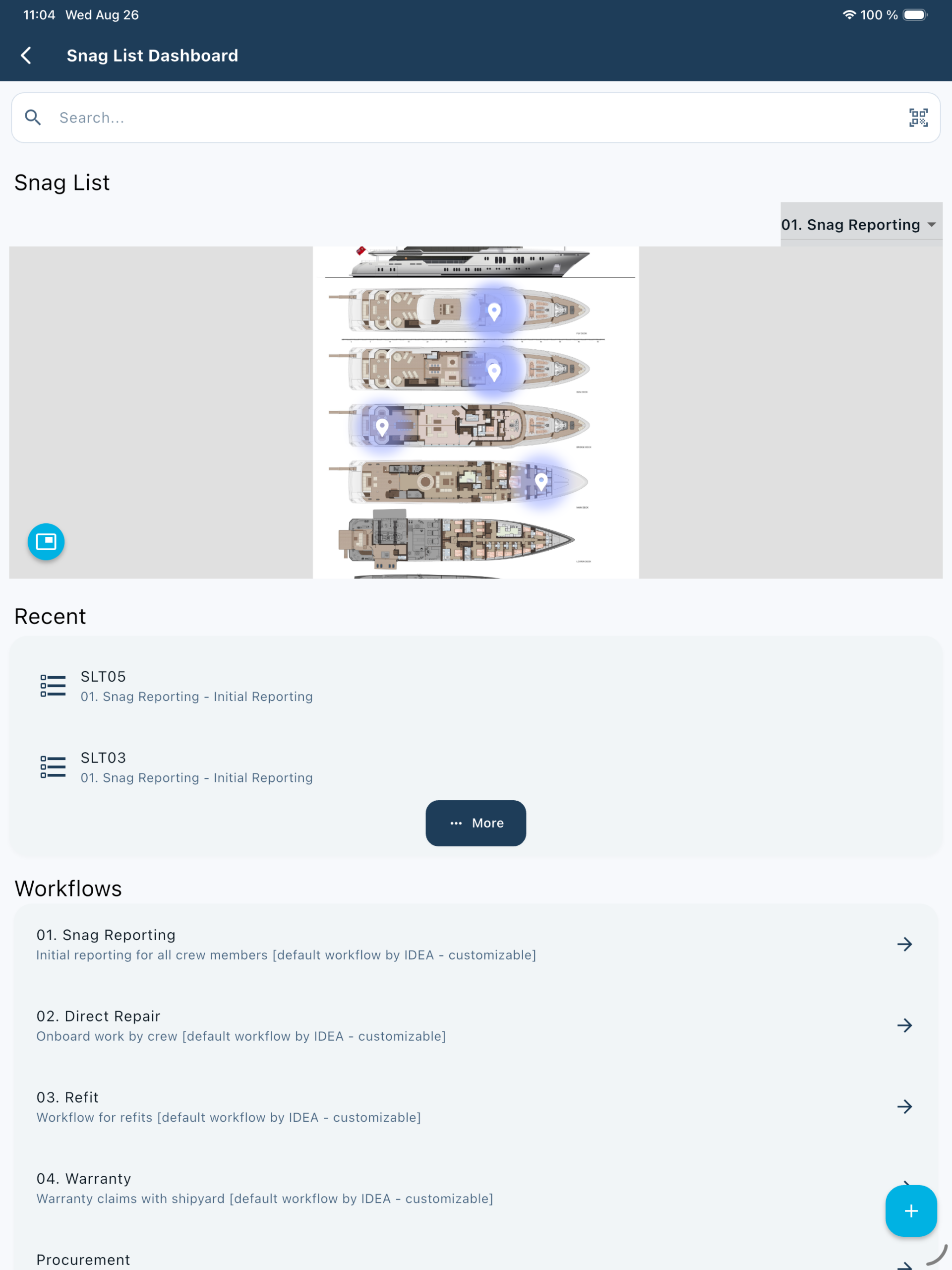
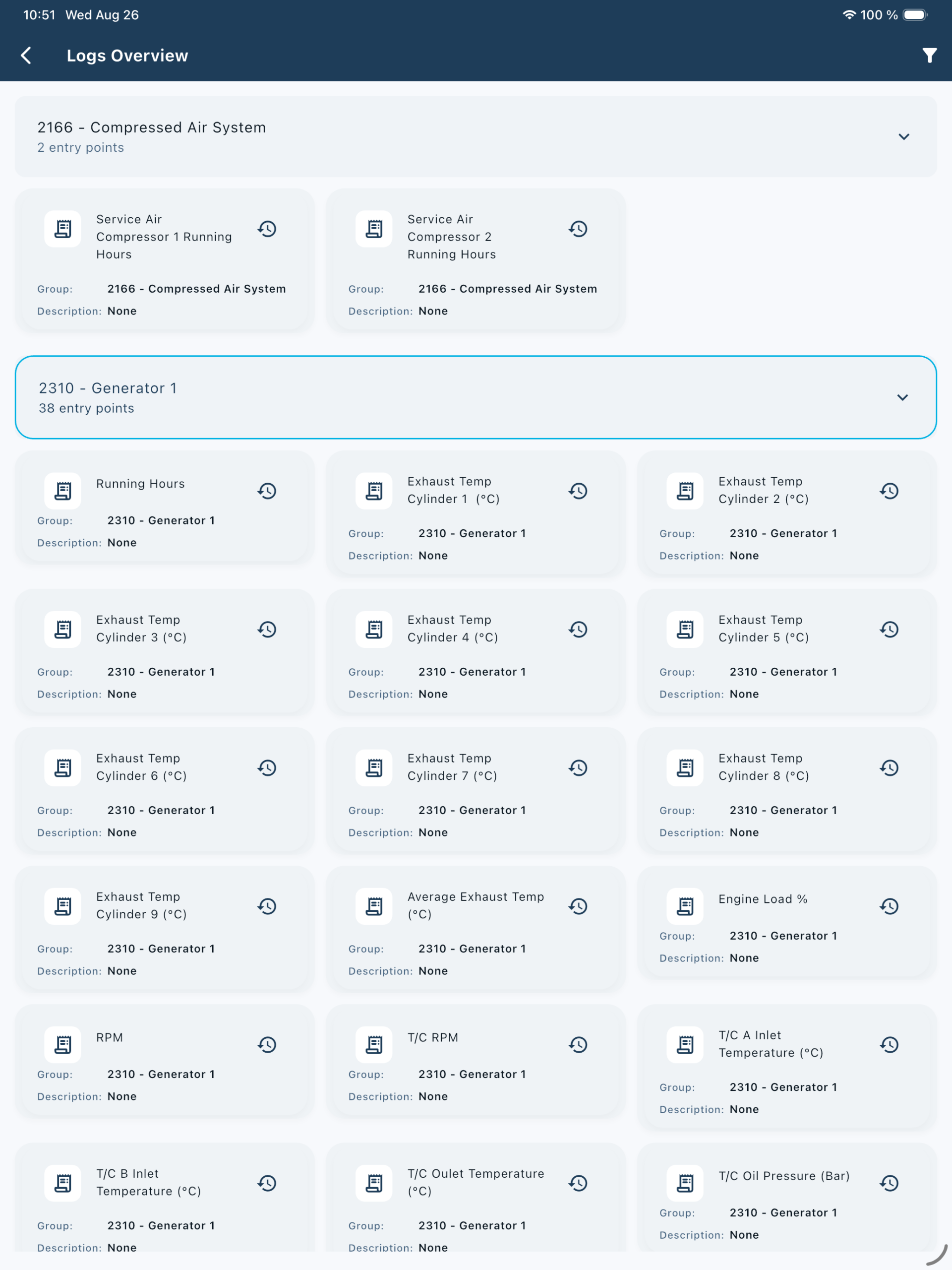
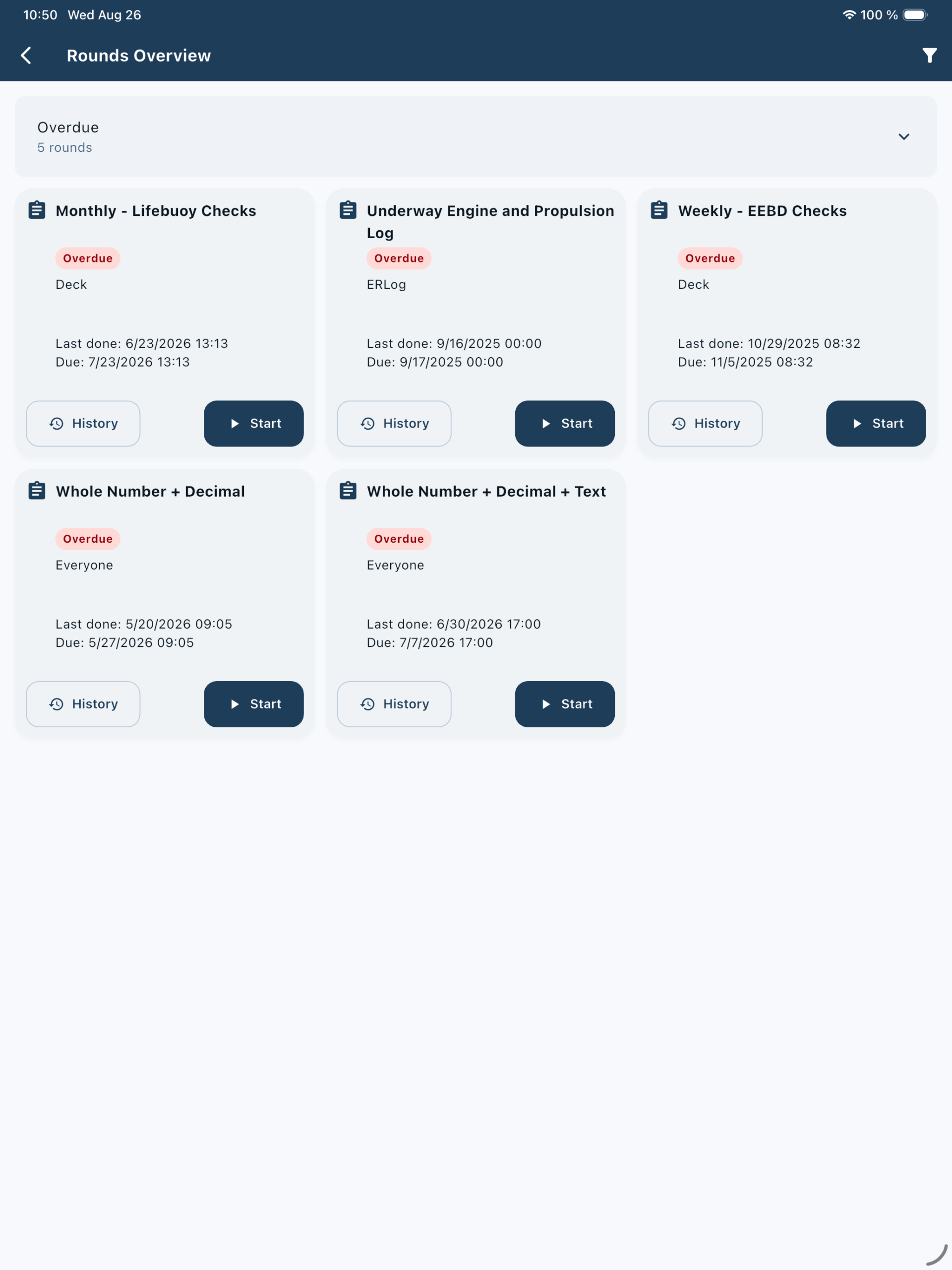
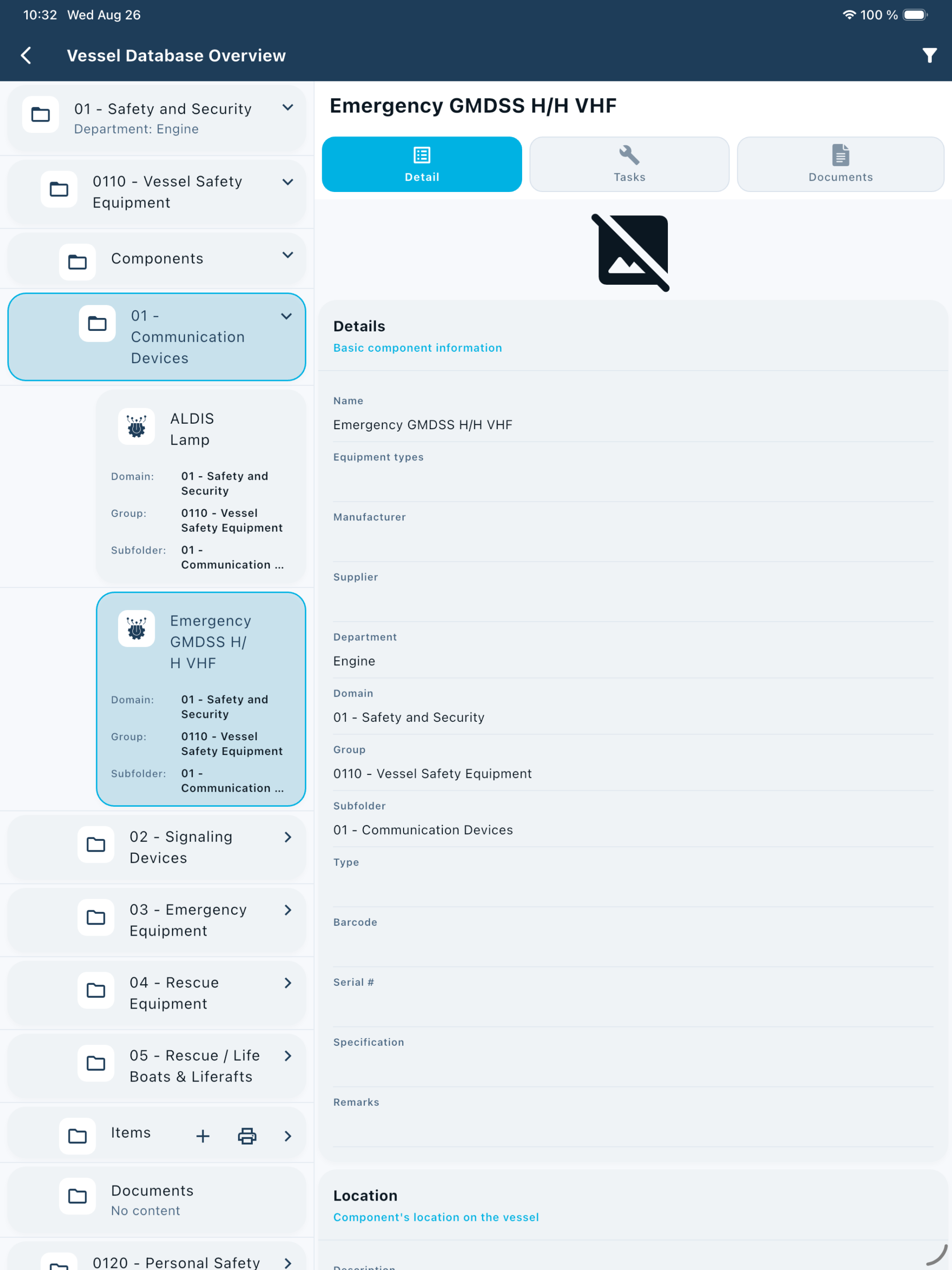
List-based screens now follow a consistent master-detail or multi-column pattern on tablets, while phone behaviour is unchanged. Shared detail sections and list tiles bring the same responsive structure to Maintenance, Inventory, Storage, Snag List, Finance, Rounds and Vessel Database.
- Notification preferences at user and device level, synchronised with the Gateway and retried after connectivity drops
- Filters remembered per user across screens, with a Settings option to turn persistence off
- Job time and Tag added to mobile Snag creation and editing
- Inventory check-in and check-out as master-detail, and stock transfers as a step-based wizard
- Perform Tasks opens a dedicated page, and the SOP overview supports expandable manual groups
One snag or a hundred, in a report you configure
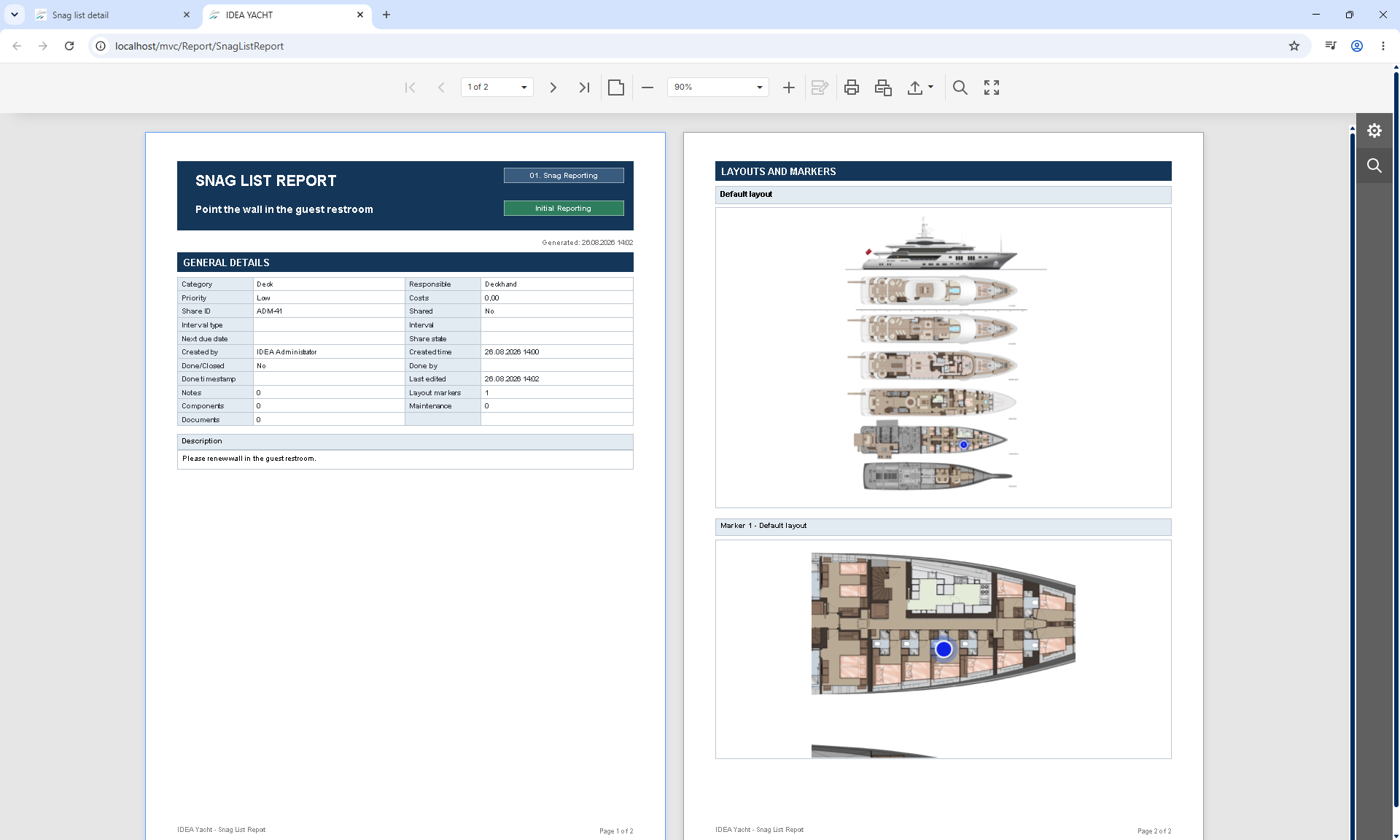
A configurable report can be generated for one or multiple Snag List items, from both detail and overview pages. Core workflow, status, ownership, priority, costs, dates, sharing and related-record counts are always included; supplementary sections are selected before printing.
- Clearer validation messages on custom fields, explicit negative Yes/No values, and a working overview table when custom fields are the only selected columns
- Excel exports now include the Responsible value when a snag is assigned to a specific user
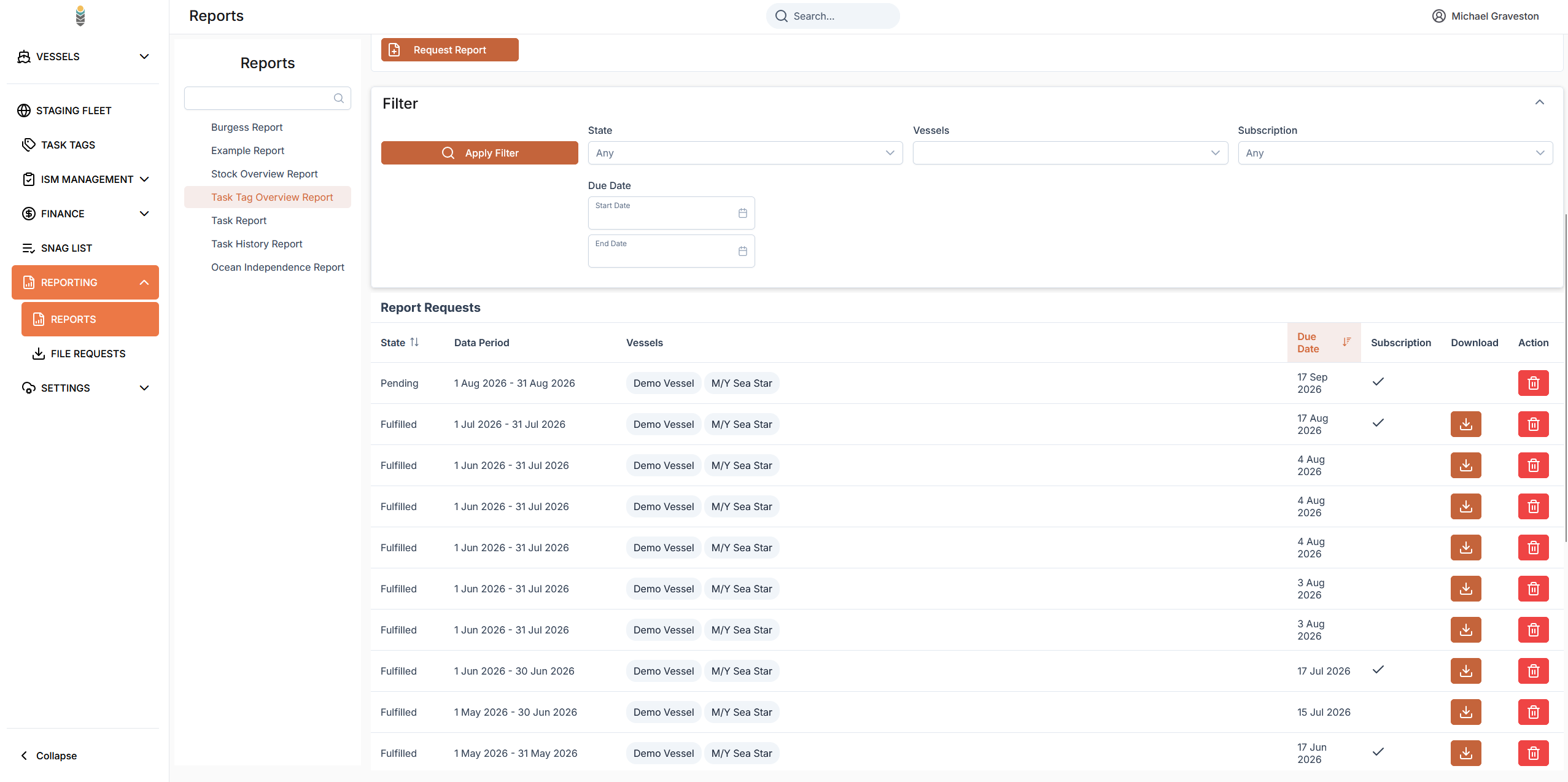
One status per row in the IDEA FLEET Task Tag Report
Task Tag Report rows in IDEA FLEET now show a single clear status indicator derived from report-period logic, so a row can no longer read two ways at once.
Priority order applied when more than one condition is true.
Everything else in this release
Smaller improvements and fixes, grouped by product area.
- Main menu refreshed with the updated gradient, a more compact type scale and a cleaner expanded-item presentation, with existing icons and navigation preserved
- Snag List creation stepper aligned with its step titles, consistent Vessel Database folder tile sizing, and Round Overview cards aligned across screen sizes
- App Resources renamed to App Guides, and Layout View filters now display labels
- App Support is always visible at the bottom of the navigation drawer
- Synchronisation fixes for ER Log history IDs, pending spare-part movements and image-editing backgrounds
- Mobile Hours of Rest can load templates, select one for an individual day and keep Current contract as the default, remaining compatible with older API levels
- Configured empty Vessel Database folders stay visible and selectable, with a proper empty state on mobile and tablet
- Transaction Detail spacing made consistent, and Finance screens follow the main application theme in light and dark modes while keeping semantic status colours
- Adding or removing transaction files records stable File IDs in the ChangeList data, so replication can identify files uniquely
- New Storage Structures sort alphabetically immediately after creation, and the selected storage location is shown correctly from structure details, with a clear message when none is configured
- Copying existing ER Log groups to another domain handles affected production groups without a transaction rollback failure
- The Hour Counter page uses an optimised query path, removing the multi-second delay when opening counter details
- Typing a forward slash in a popup text field inserts the character instead of opening Search
- Muster overview filtering now considers safety numbers from the Safety Number section, the Crew member filter keeps the table usable, and the Crew Members count reflects unique crew rather than duplicate rows
- Documents added while performing an approval-required task remain visible on the task approval details page
We continue to refine IDEA YACHT, IDEA GT and IDEA FLEET to support safer, smarter and more efficient yacht operations. As always, we welcome your feedback.
To book in your update on replicating installations, please contact our support team at support@idea-data.com. All online installations will update automatically.